Learn · Weather & sky explained

How Live Radar Reaches Your Phone

A smooth radar loop begins as numbers, not a ready-made movie. <strong>Forecast Bar moves a national scan through tiles, verification, caching and on-device rendering</strong>, then handles the gaps between scans so storms can move smoothly across the screen.

The lesson

A smooth radar loop begins as numbers, not a ready-made movie. Forecast Bar moves a national scan through tiles, verification, caching and on-device rendering, then handles the gaps between scans so storms can move smoothly across the screen.

One national scan, about sixteen million values

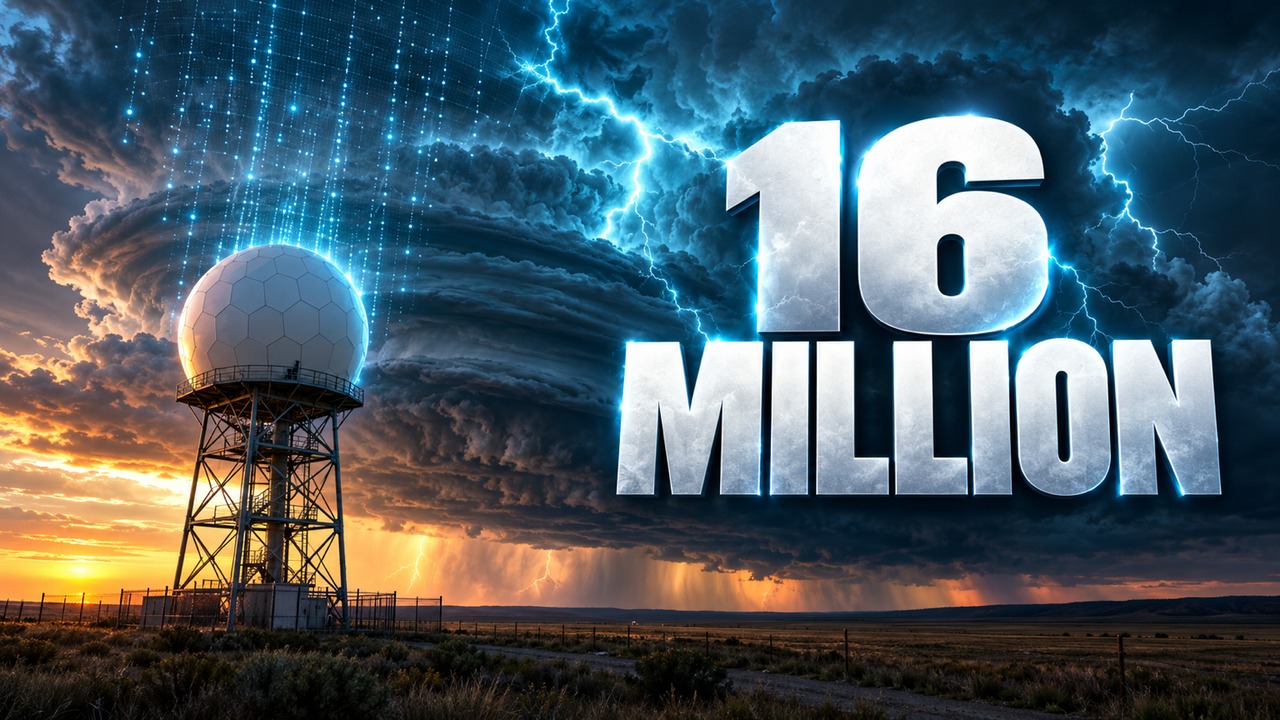
NOAA merges radar observations into a national scan every two minutes. The scan used in this film contains 6,100 by 2,700 points: 16,470,000 values. Forecast Bar’s server checks for a new scan every twenty seconds.

Those are different clocks. Checking every twenty seconds does not create a new observation every twenty seconds. Likewise, a display that refreshes many times per second is not receiving that many new radar scans.

Send values and add the colour later

The radar travels as numbers, one byte per point. The phone adds colour when it draws the map. This separates the underlying radar values from the palette the viewer sees.

Individual radars do not sweep in sync. Where one is late, its data is eased toward its next real scan. The film describes that as working between real scans rather than inventing another observation.

Build complete frames from verified tiles

Each frame is cut into tiles. A tile borrows a one-pixel border from its neighbours so the displayed pieces meet without seams. Every tile also receives a SHA-256 fingerprint.

A frame goes live only when all of its tiles pass verification. Once published, it never changes. The tiles needed for the screen arrive together as one file in one request, rather than appearing as a series of incomplete pieces.

Keep immutable frames nearby

Because a published frame does not change, edge caches can retain it for a year. A cached old frame is still that frame; finding the latest scan is a separate job.

On the device, tiles stack into GPU memory and colour is applied per pixel at draw time. The film’s measured autoplay result was about a second and a half. That measures readiness to play the loop, not the age of a radar observation or a universal delivery time.

Move storms between scans instead of simply fading

Storms keep moving during the minutes between observations. A plain crossfade shows the old storm fading out while the new one fades in, producing two faint copies.

The GPU instead estimates a motion field and moves the echoes along their paths between frames. The result can update on the screen’s next refresh, with up to 120 Hz on capable displays. That is a display ceiling, not a promise for every device, and it does not increase the observation frequency.

What to take away

Use these checks next time:

  1. Separate scan cadence, server checks and display refresh.
  2. Read the timestamp even when the animation looks continuous.
  3. Understand smooth motion as rendering between scans, not new radar observations.
Transcript

Video transcript

Read the full transcript

This is live radar. Real storms, gliding across your phone. Getting it this smooth took ten hard problems. It starts at radars like this one. Every two minutes, NOAA merges them into one national scan: sixteen million values. We check for a new one every twenty seconds.

We don't send pictures. We send the numbers, one byte per point, and let your phone add the color. Radars don't sweep in sync. So where one is running late, we ease it toward its next real scan. Nothing invented.

Every frame is cut into tiles, and each one borrows a one-pixel border from its neighbors, so you never see a seam. Every tile is fingerprinted. A frame goes live only when all of them check out. And then, it never changes. Your whole screen arrives as one file. One request.

Because frames never change, the edge keeps them for a year, close to you. On the phone, tiles stack straight into GPU memory, and color is painted per pixel, at draw time. Autoplay is ready in about a second and a half.

Now, the hard part. Scans arrive minutes apart, and storms keep moving. A simple fade turns every storm into two faint copies. So the GPU measures where every storm is heading, and slides each one along its path.

No pulse. Just motion. Every frame, on your screen's next refresh. One scan. Ten hard problems. One smooth loop. Forecast Bar.

Now learn to read what it's showing you. Pick your next video, and subscribe so you catch the next one.

Where Forecast Bar comes in

Put the lesson to work.

Live radar

One complete frame, then a smooth loop.

The film follows Forecast Bar’s live radar from NOAA’s national scan through verified, immutable tiles to colour applied on the device. Motion blending runs on iPhone, iPad, Mac and Apple TV.

  • One byte per radar point before colour is applied
  • One request for the screen’s frame data
  • About 1.5 seconds to autoplay in the cited measurement
Reading the result

Smooth motion is only half the story.

Knowing how the loop is drawn explains why storms glide. Knowing how to read radar explains what the colours, motion and time labels mean. The companion lesson covers that next step.

  • Display refresh is distinct from radar scan frequency
  • Motion blending runs on iPhone, iPad, Mac and Apple TV
FAQ

Common questions

Does live radar update 120 times a second?
The screen can refresh at up to 120 Hz on capable devices. The national radar scan in the film updates every two minutes; smooth rendering between scans does not create new observations.
Why send radar numbers instead of pictures?
Forecast Bar sends one byte per point and applies colour on the device at draw time. The radar values and their displayed palette are separate.
Why can radar frames be cached for a year?
A frame is published only after its tiles are verified, and then never changes. Immutable frames can be cached while the frame list identifies new scans.
Does the 1.5-second figure mean the radar is 1.5 seconds old?
No. It is the measured time until autoplay is ready, not observation age or delivery latency.
Forecast Bar app icon

Put the forecast in context.

Explore the Forecast Bar features described above. Feature availability depends on your plan, device and location.

Free to download; live weather requires a subscription. On iPhone and iPad, every subscription includes a 7-day free trial for new subscribers; Mac plans do not. Mac and iOS plans are separate; Apple TV is included with Forecast Bar Gold on iOS.