Forecast Bar opens up on iPhone Duo
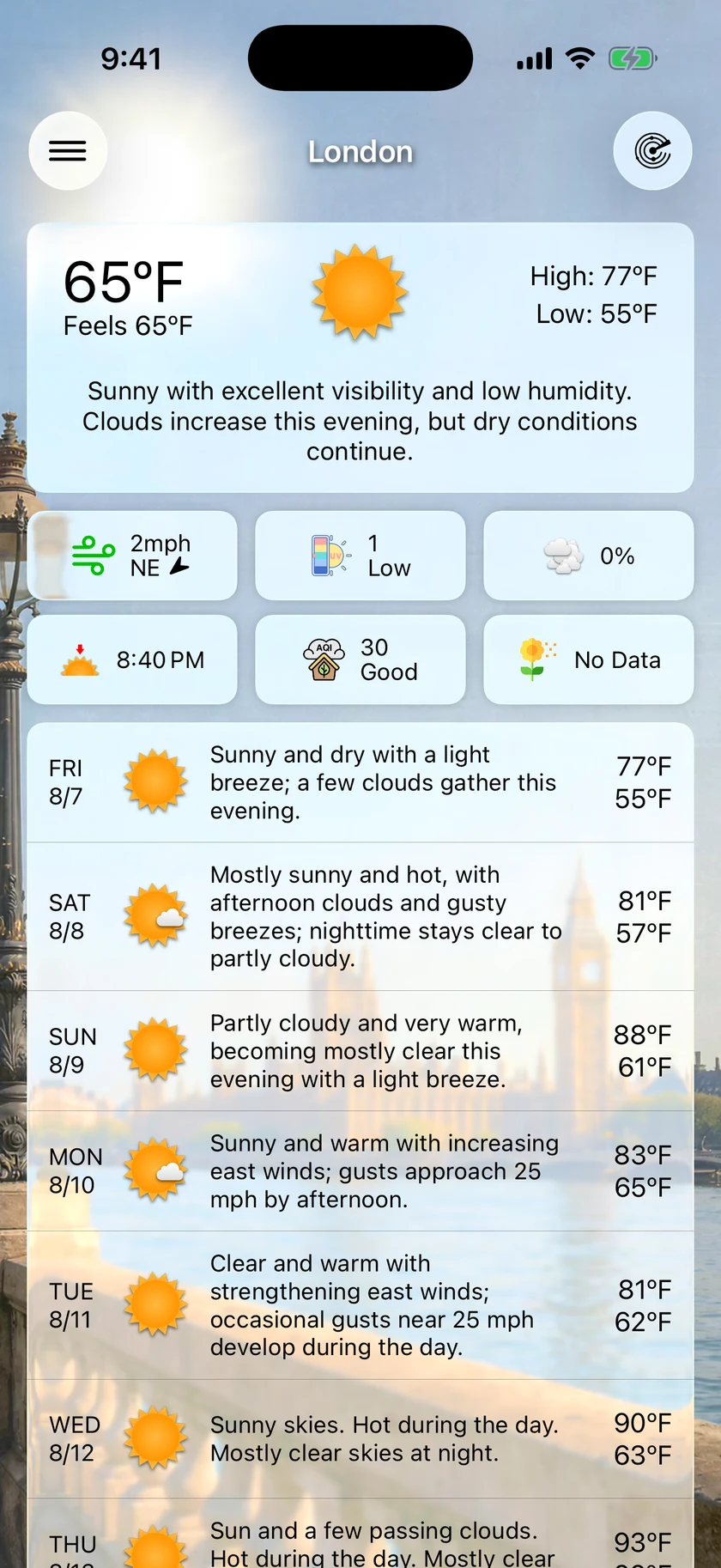
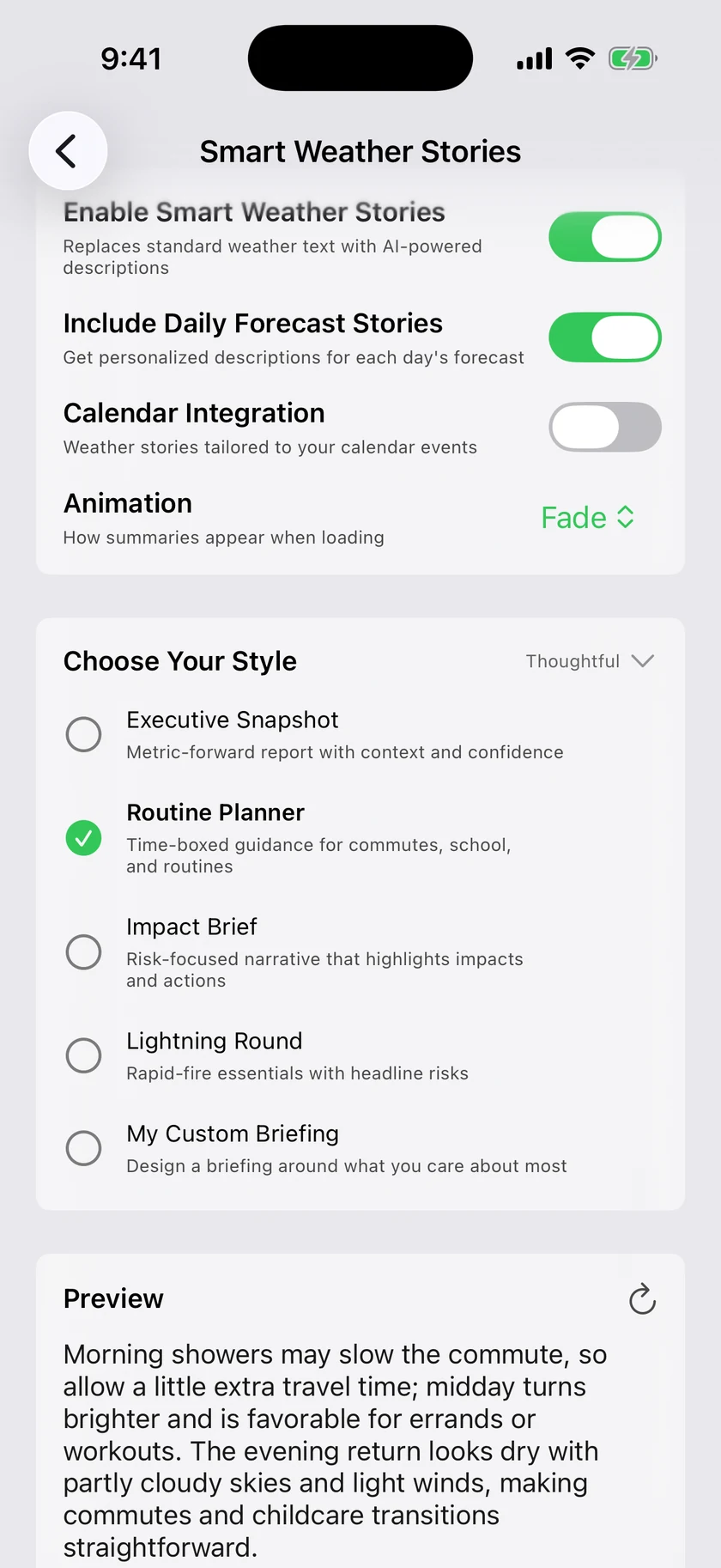
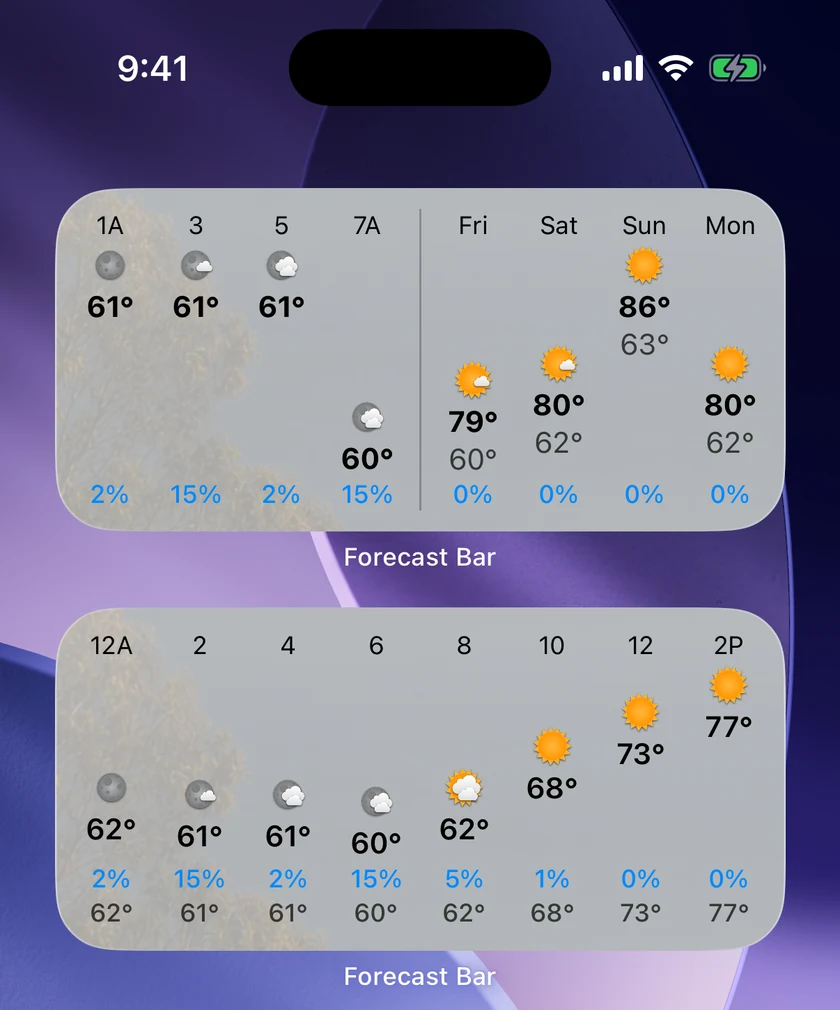
Forecast Bar fits every way you hold iPhone Duo. Locations becomes a gallery of your places, hourly charts show three data points at once, the maps get new high-resolution forecasts, and Next Rain tells you when it is finally coming.
Open it upiOS
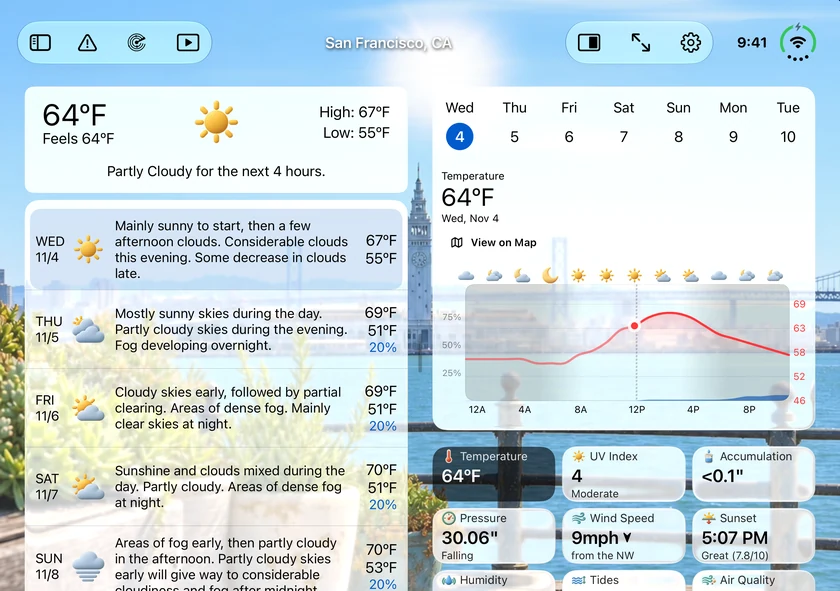
iPhone Duo gives the forecast room, and Forecast Bar now uses all of it. Open it and hold it on its side, and your conditions and your forecast sit in two even columns either side of the fold, running to the bottom of the screen with more of your background in view.
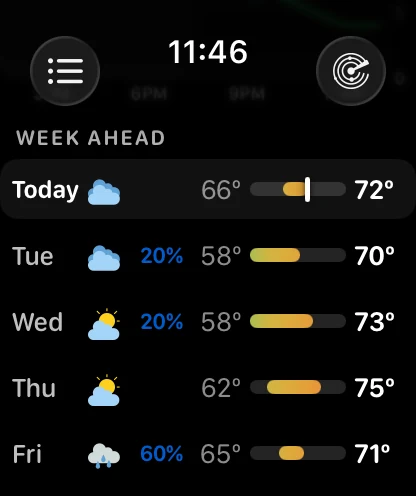
Half-folded like a book, the columns part to clear the crease. Half-folded upright, Weather Details sits above the fold, with today and the days ahead below it. Tap any day and it opens in Weather Details beside your forecast.
A desk glance when it's closediOS
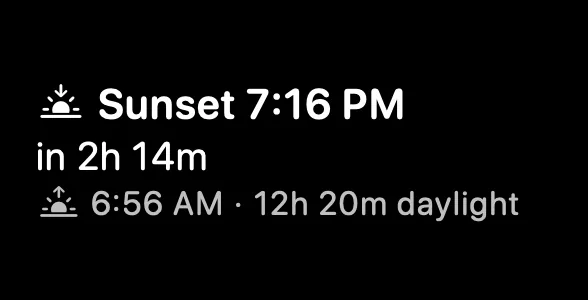
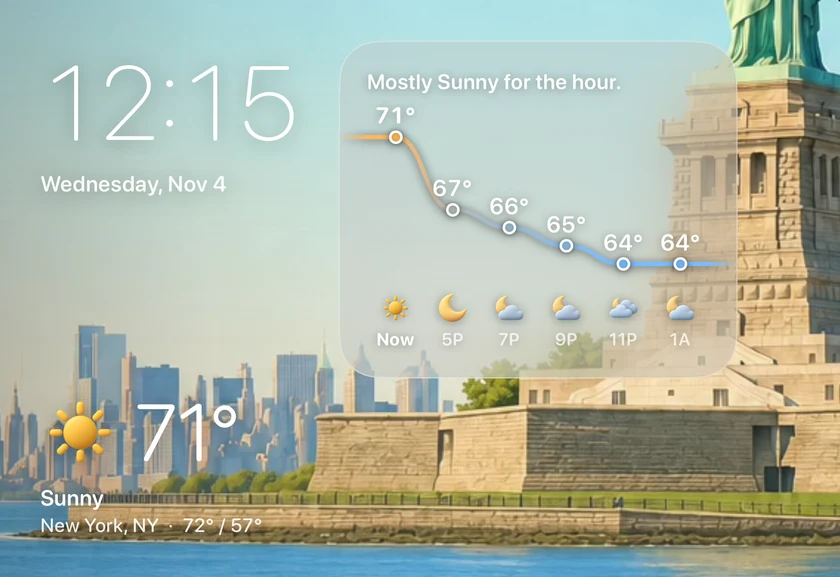
Close your iPhone Duo and stand it on its side, and it becomes a small weather display. The time and the weather now are large enough to read from across the room, with a temperature curve for the hours ahead. Stand it upright again and the app is back as you left it.
Your places, as a galleryiOS
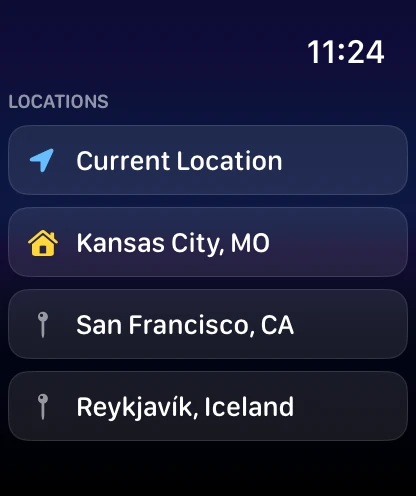
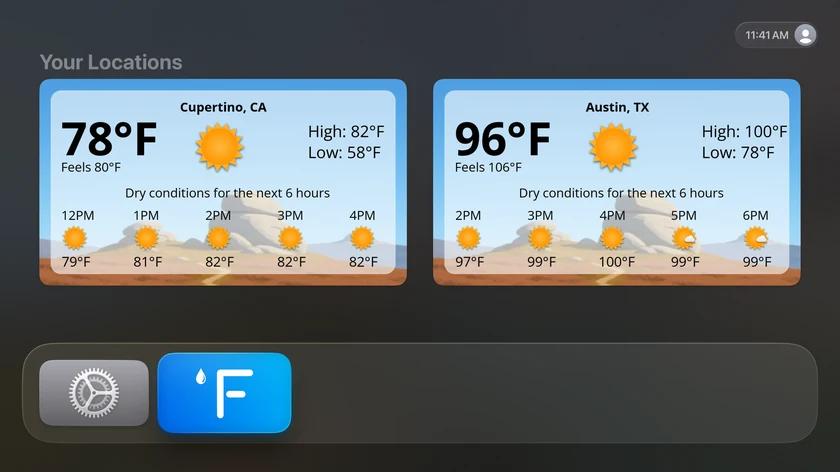
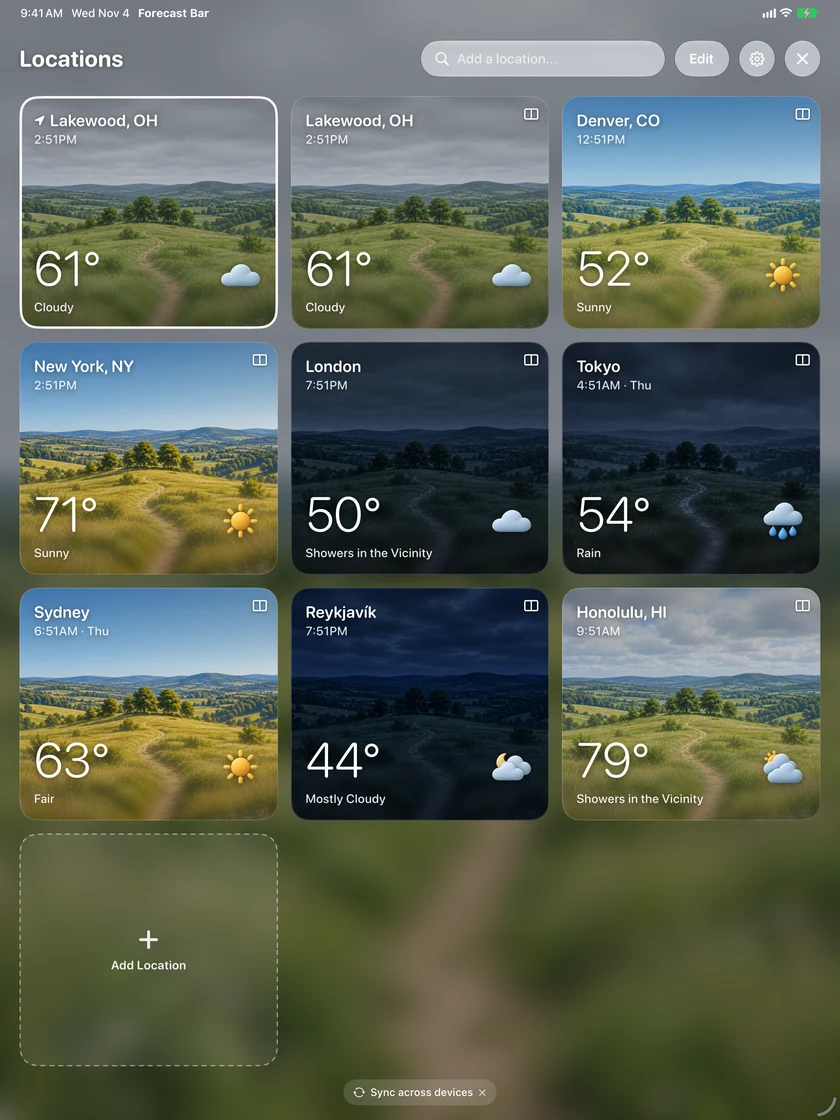
Locations on iPhone Duo and iPad is a gallery now. Every place gets a card with its own scene, temperature and local time, so a list of cities reads like a look out of each window.
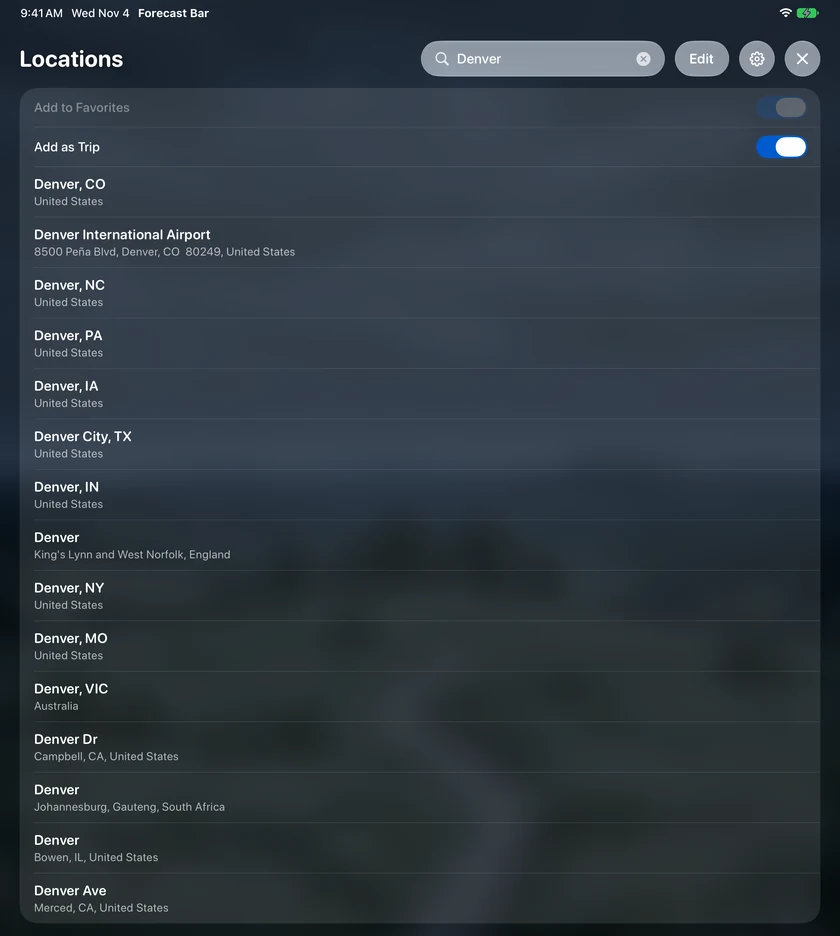
Search for a place, set Home, rename it, or hold a card and drag it where you want it. Search can also show you somewhere without adding it to your favorites.
iPad uses the whole screeniOS
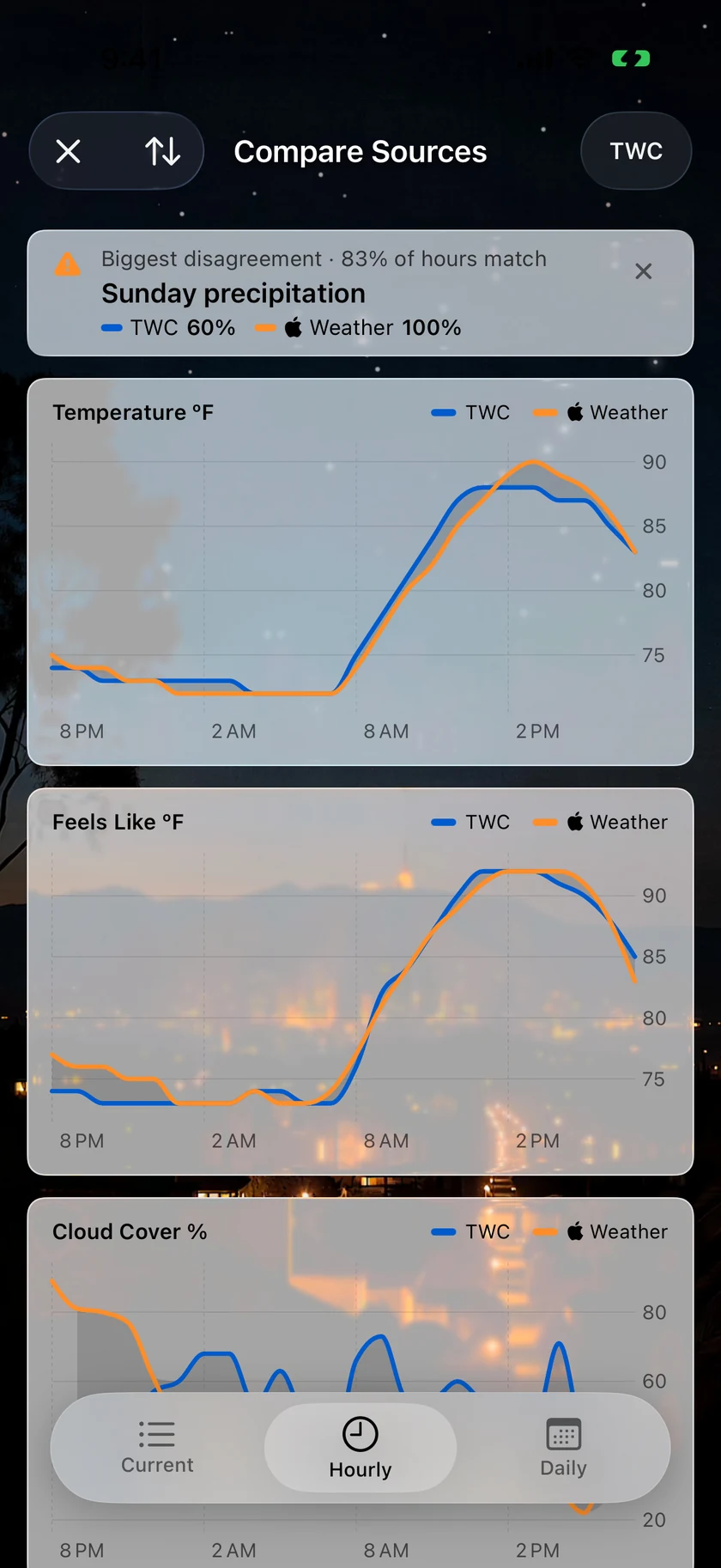
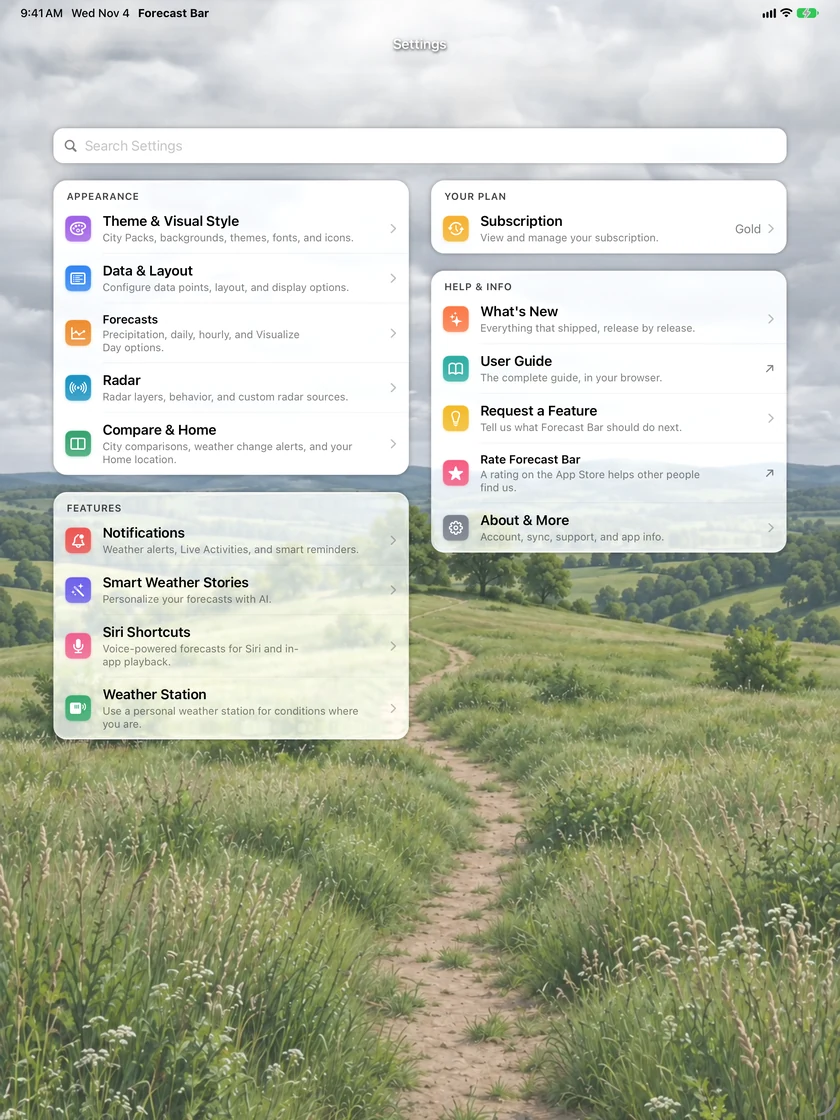
Settings on iPad now uses two columns, and it has its own button in the bar. The compare screens show the current numbers beside the charts.
Trips you add yourselfiOSMac
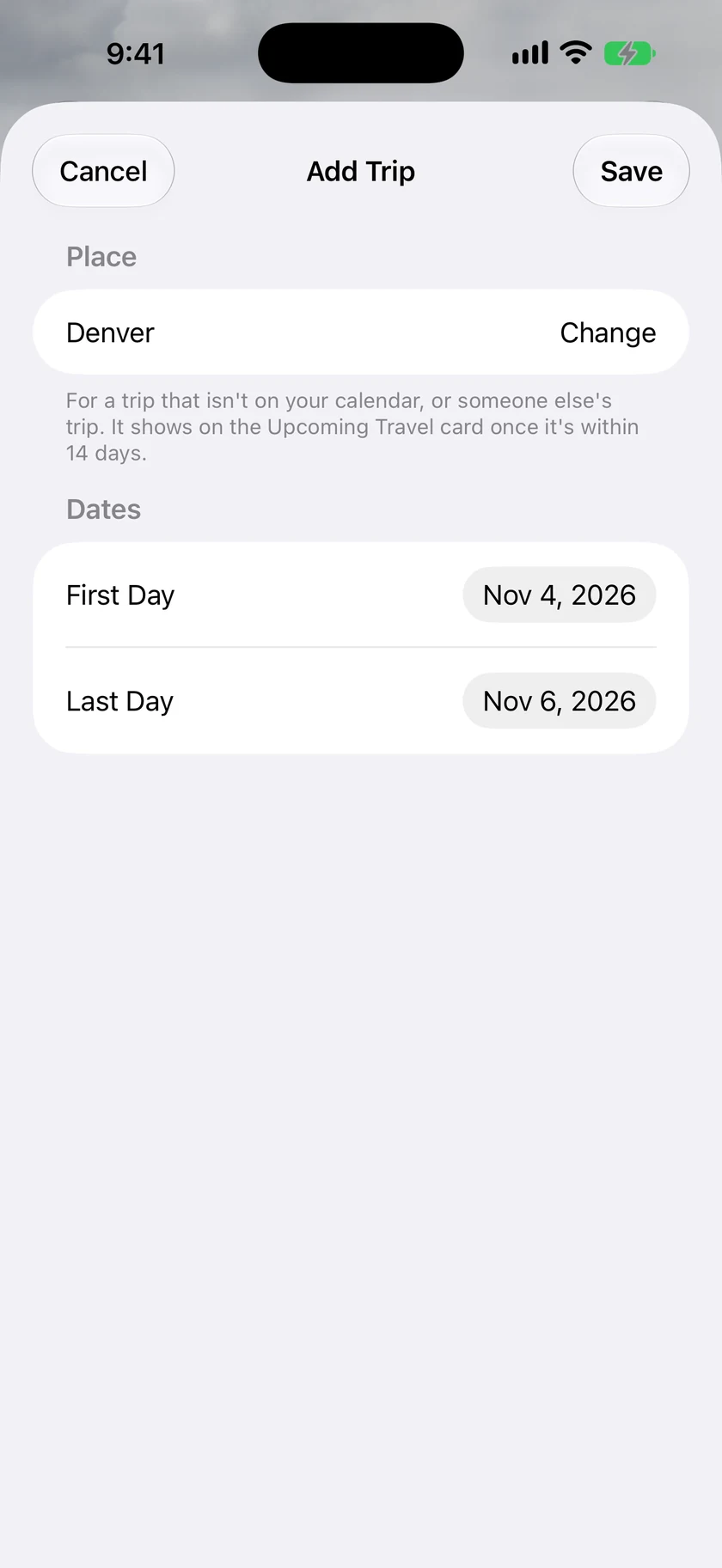
Upcoming Travel no longer needs your calendar. Add a trip by hand with a place and the first and last day, which suits travel that isn't on your calendar, or keeping an eye on where someone in your family is going. Turn Find Trips in Calendar off and the calendar is never read or asked for. Your trips sync across your devices, and Upcoming Travel is on the Mac in this release too.
Add a trip from LocationsiOS
Add as Trip works in the Locations gallery too. On iPad and iPhone Duo, search for a place, turn on Add as Trip, pick it, and choose your days.
Three lines on one chartiOSMacTV
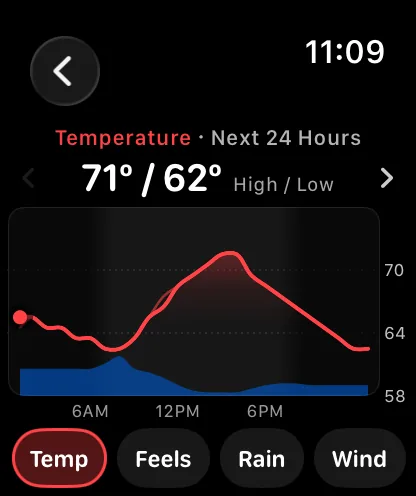
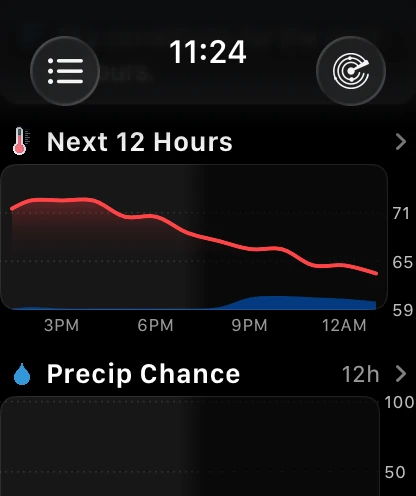
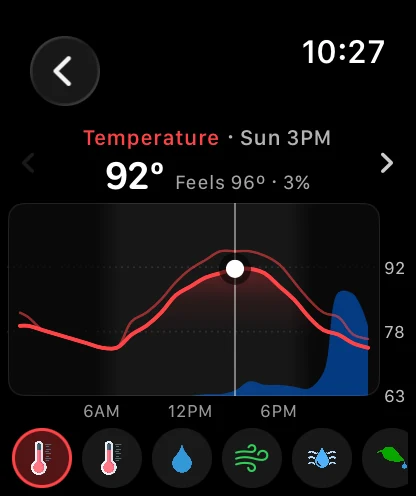
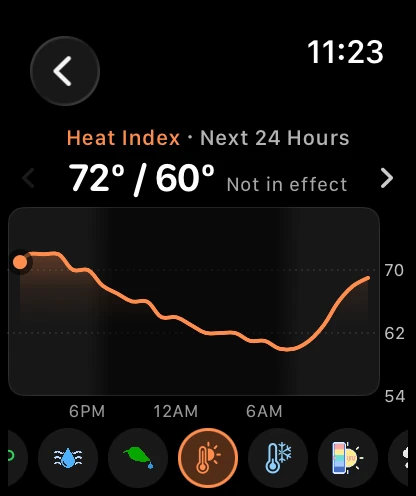
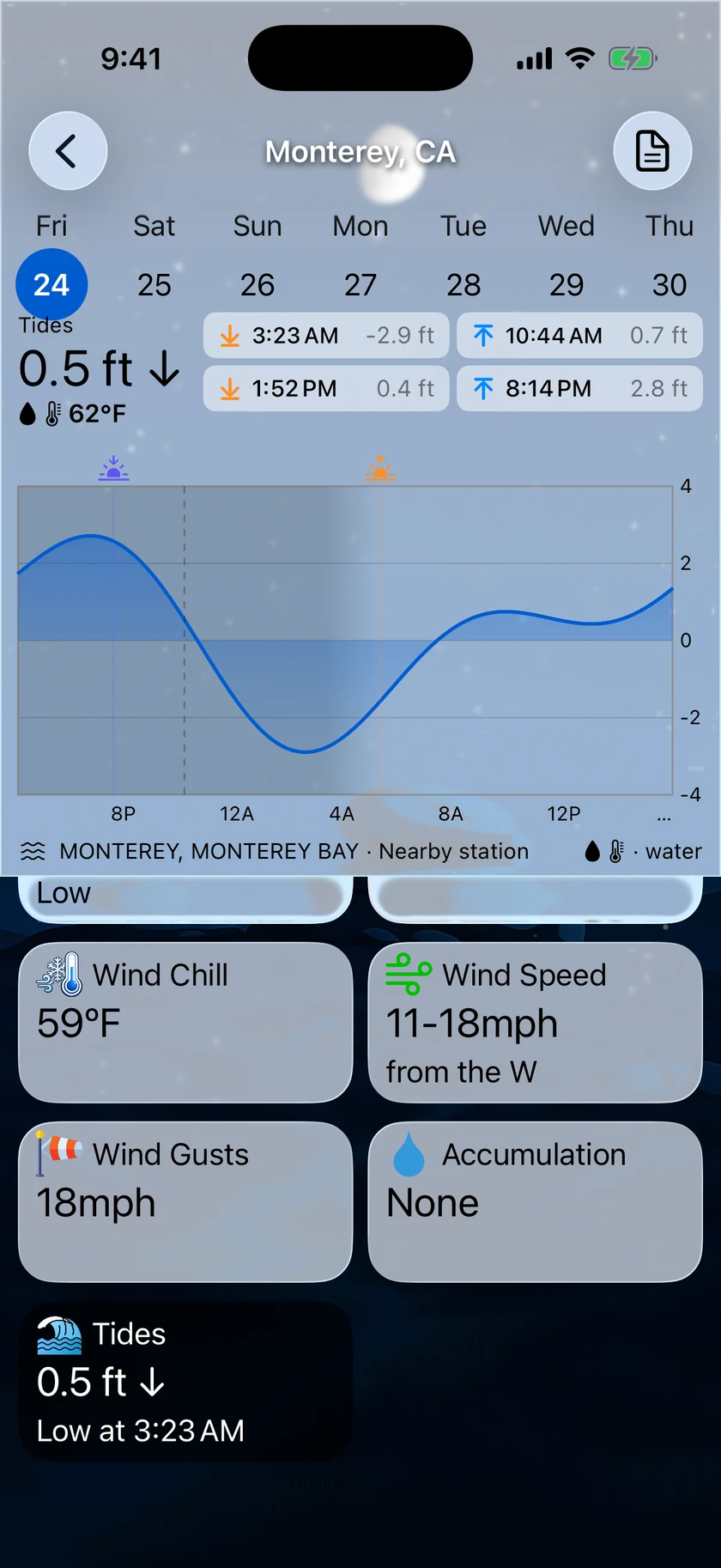
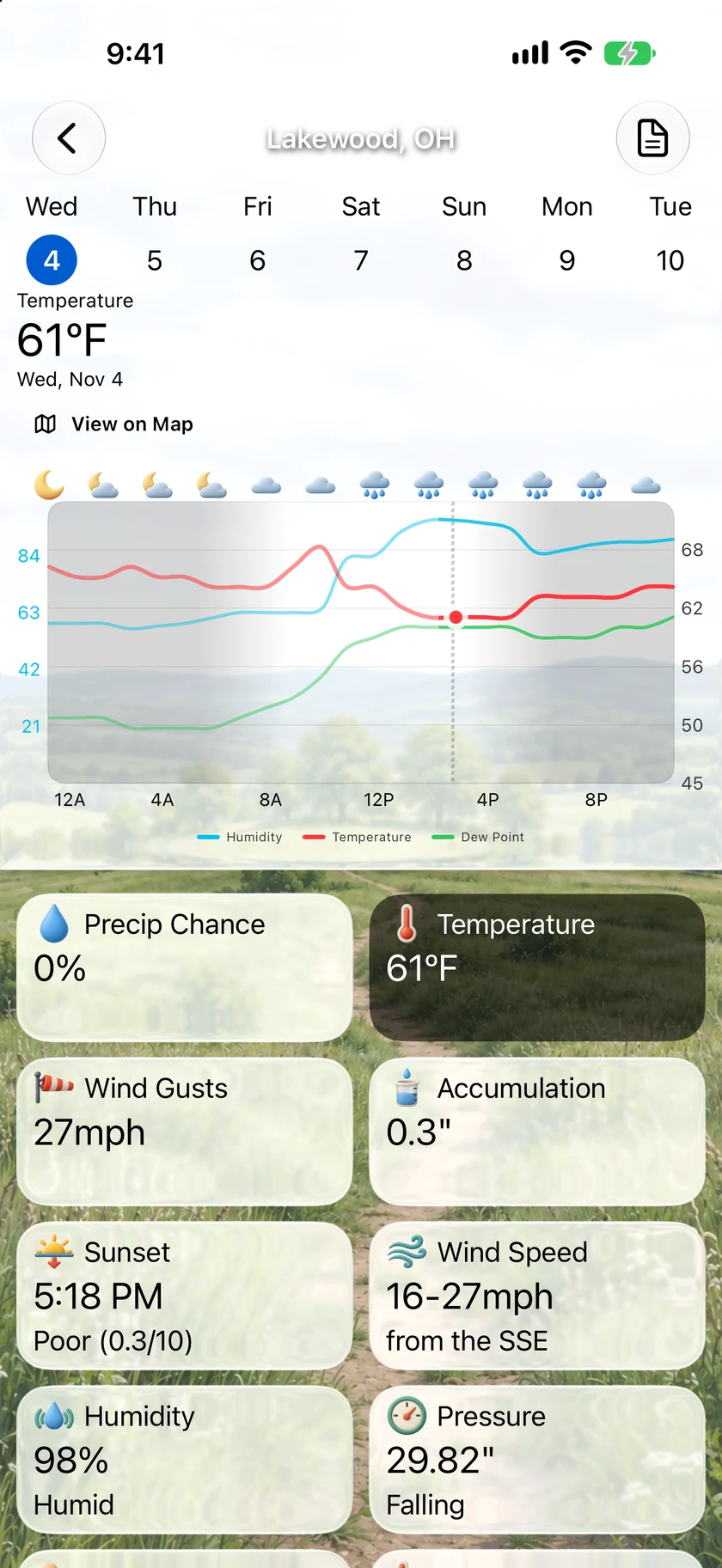
An hourly chart can now show up to three data points at once, like Temperature with Dew Point and Humidity. Each line gets its own color, and a data point with different units gets its own scale on the left. Your choices sync across your devices.
When's the next rain?iOS
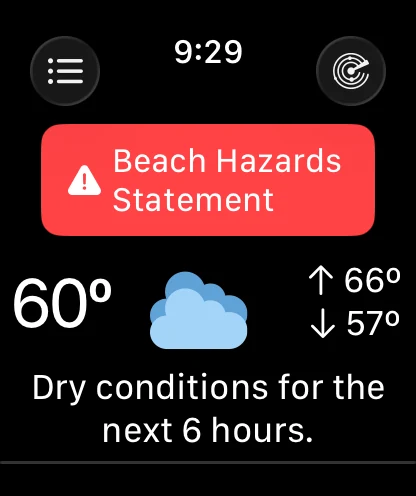
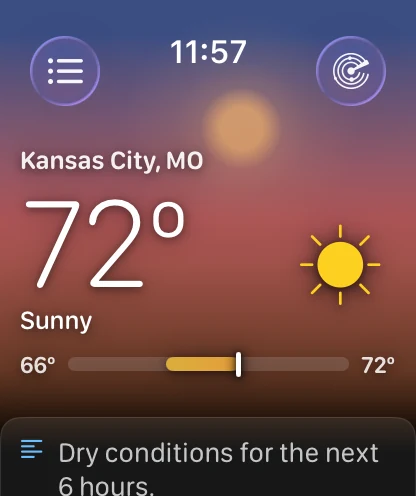
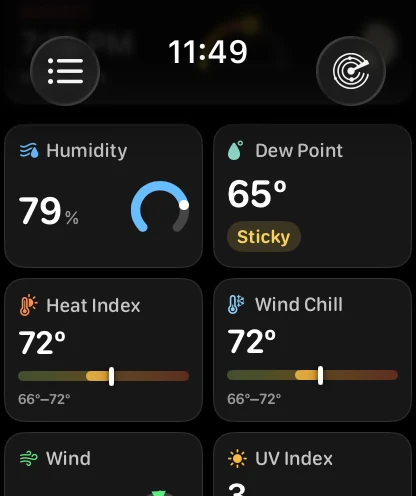
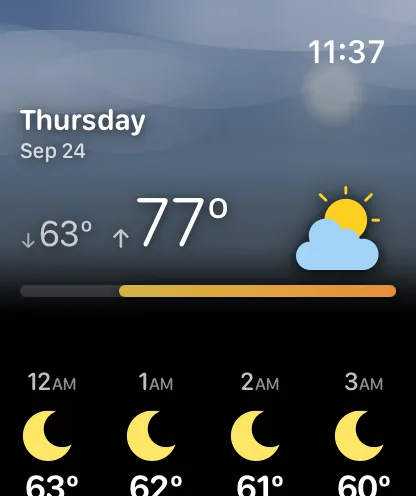
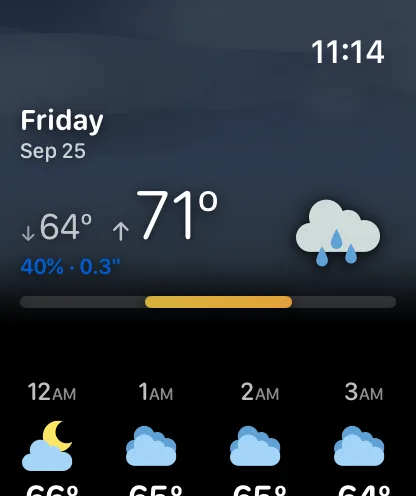
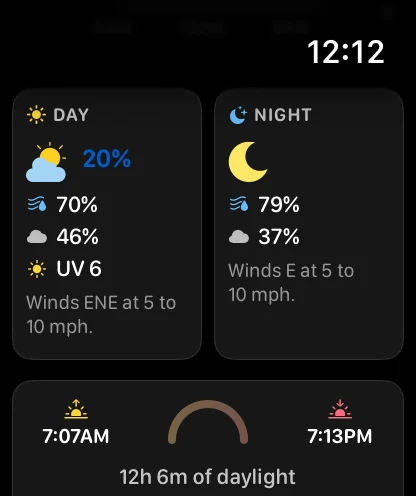
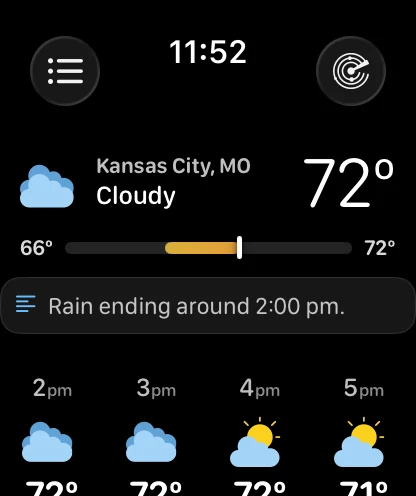
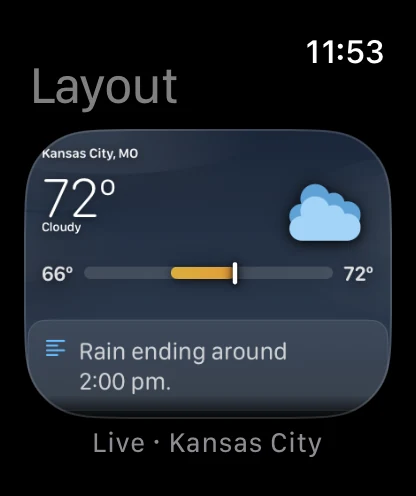
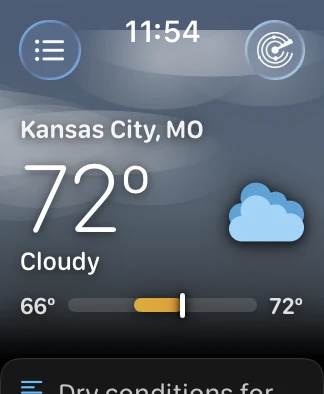
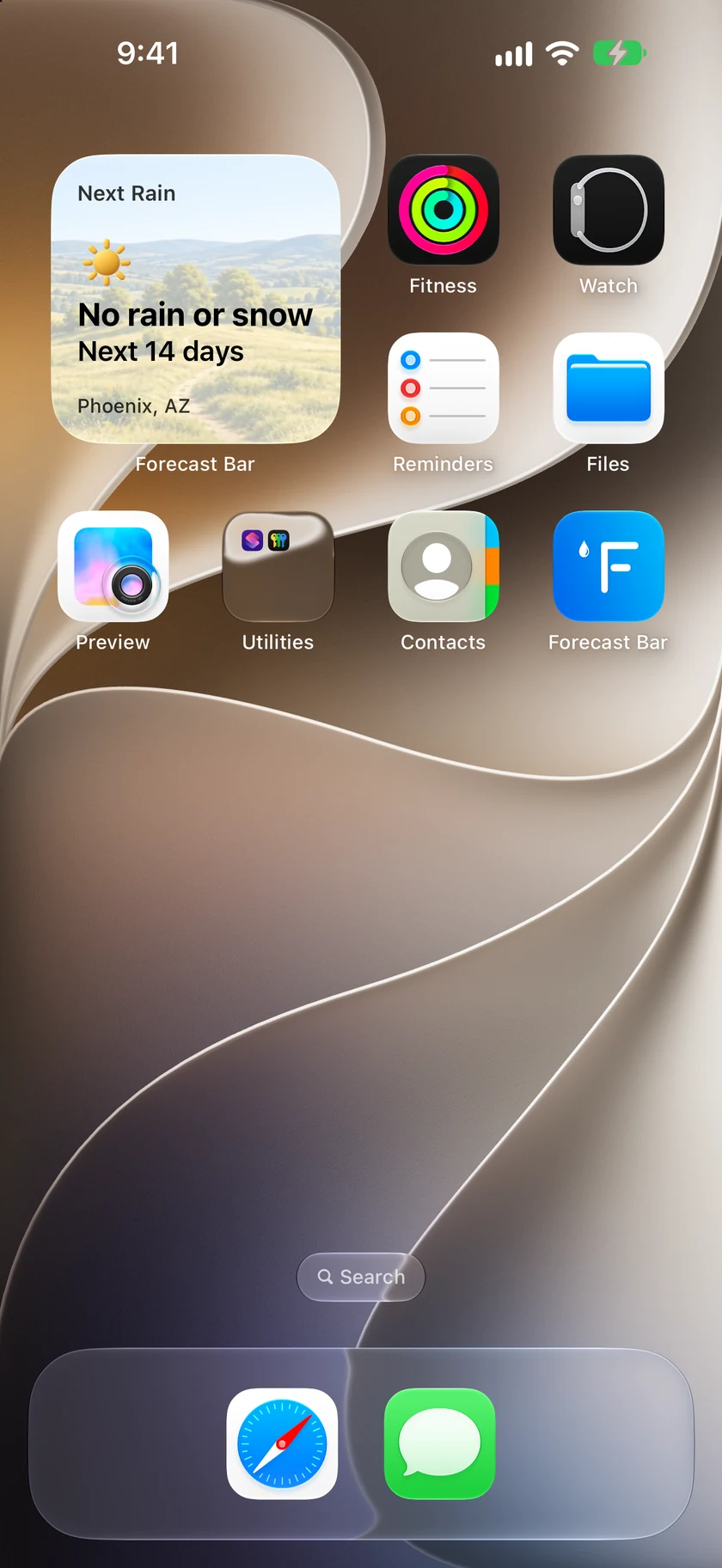
Next Rain answers the question the hourly forecast can't: when is it next going to rain or snow, even if that's days away? It's a new widget with your backgrounds and icons, on the Lock Screen, and an Apple Watch complication. Apple Watch also gets two new corners, Big Temperature and Big Temperature + Range.
Pick a layer by looking at itiOSMacTV
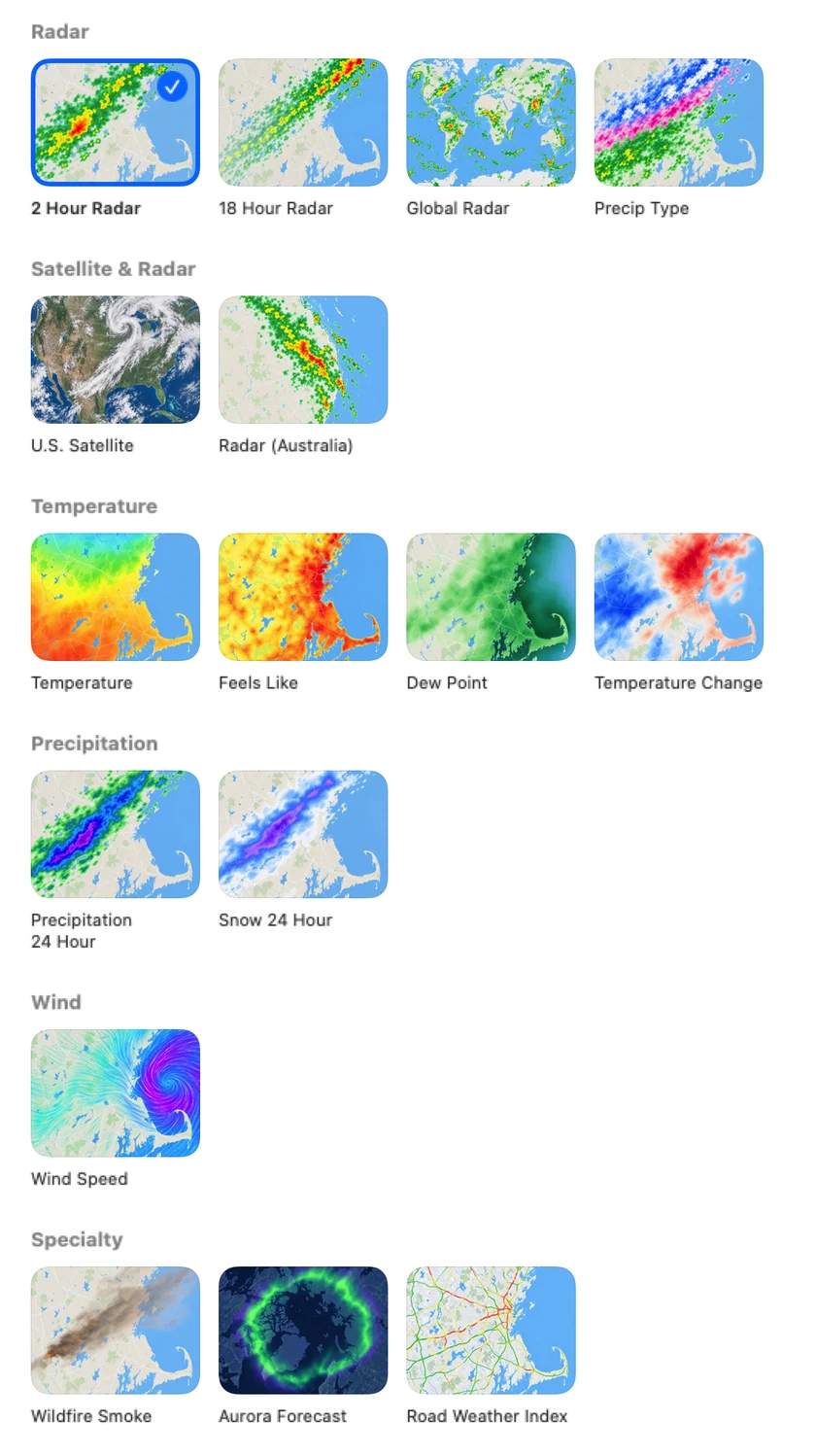
Radar Layers shows every layer as a picture of what it draws, so you can see the difference between them before you choose.
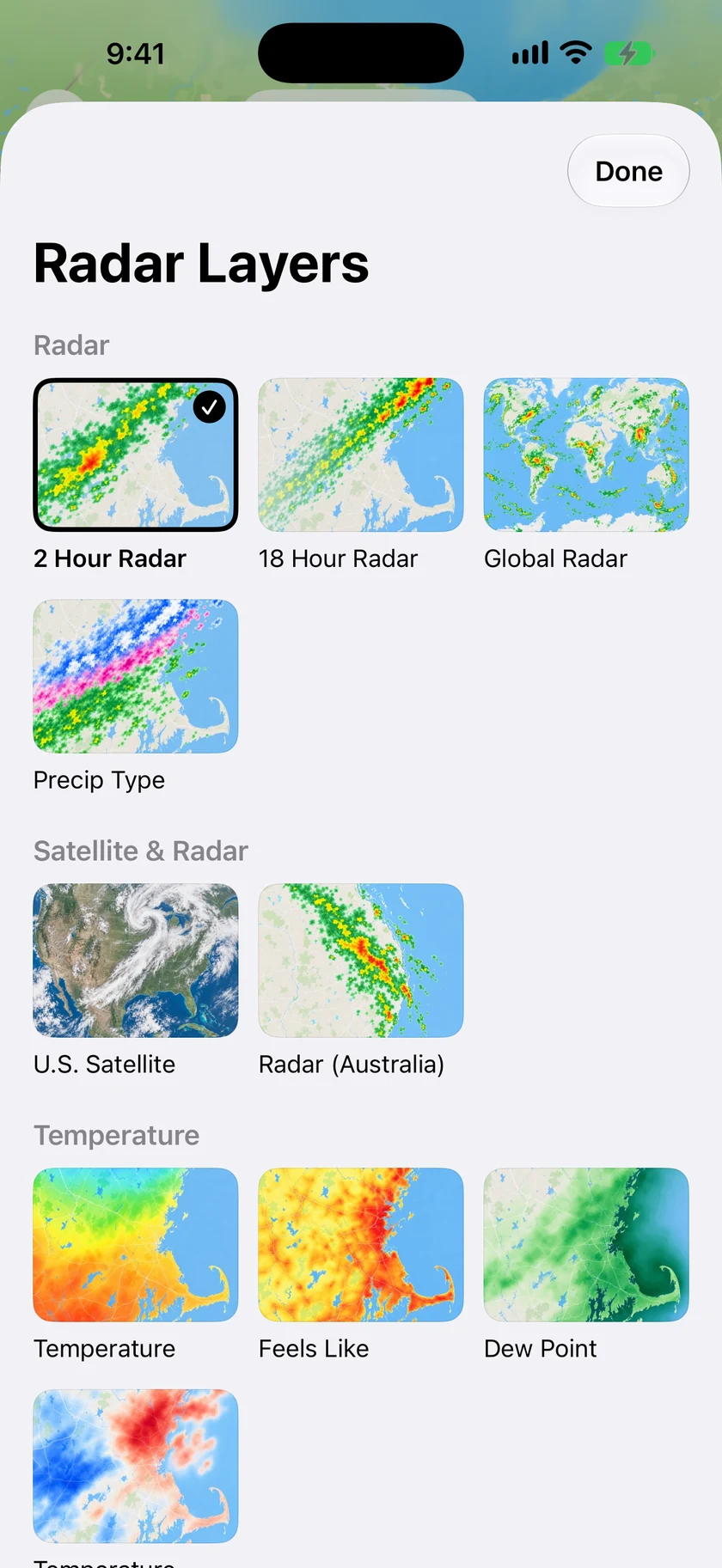
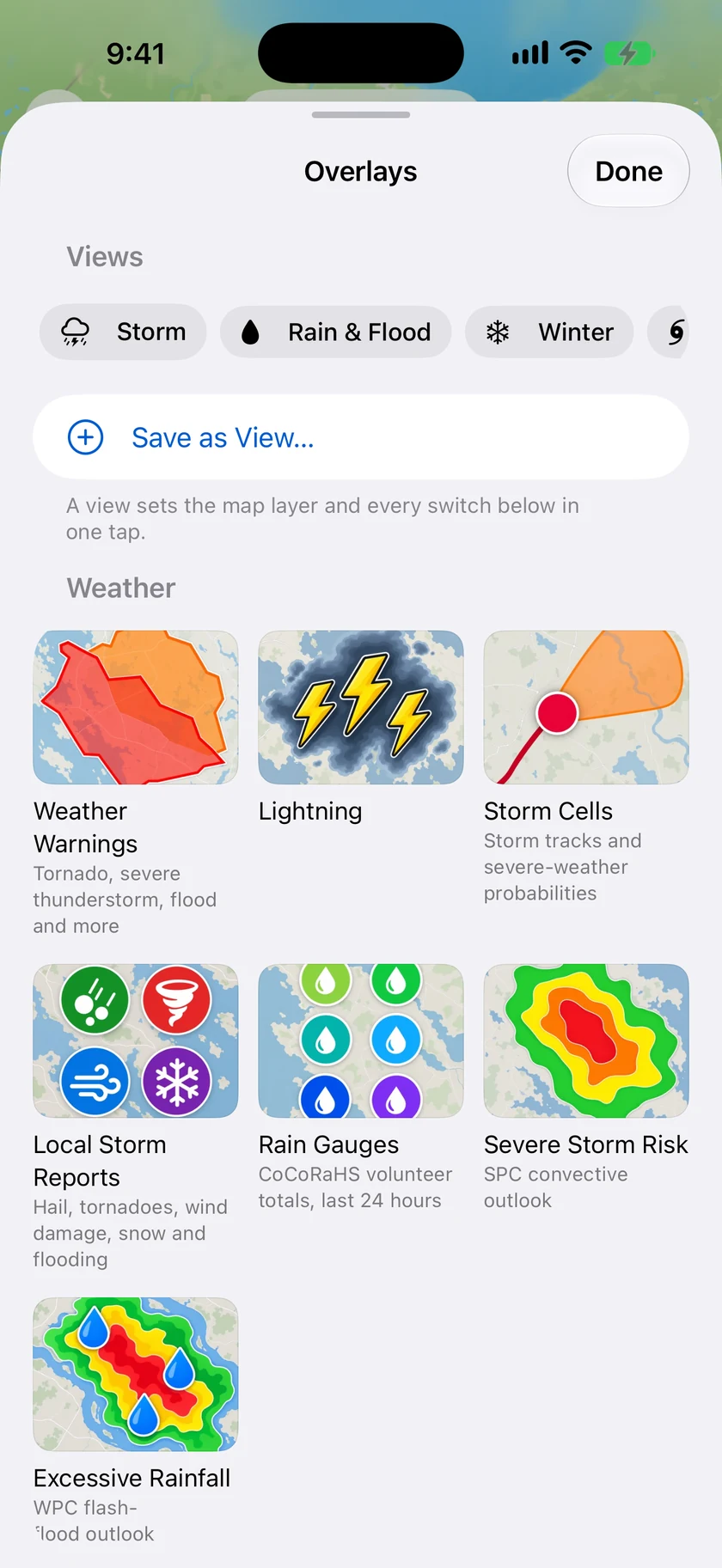
Overlays you can seeiOSMacTV
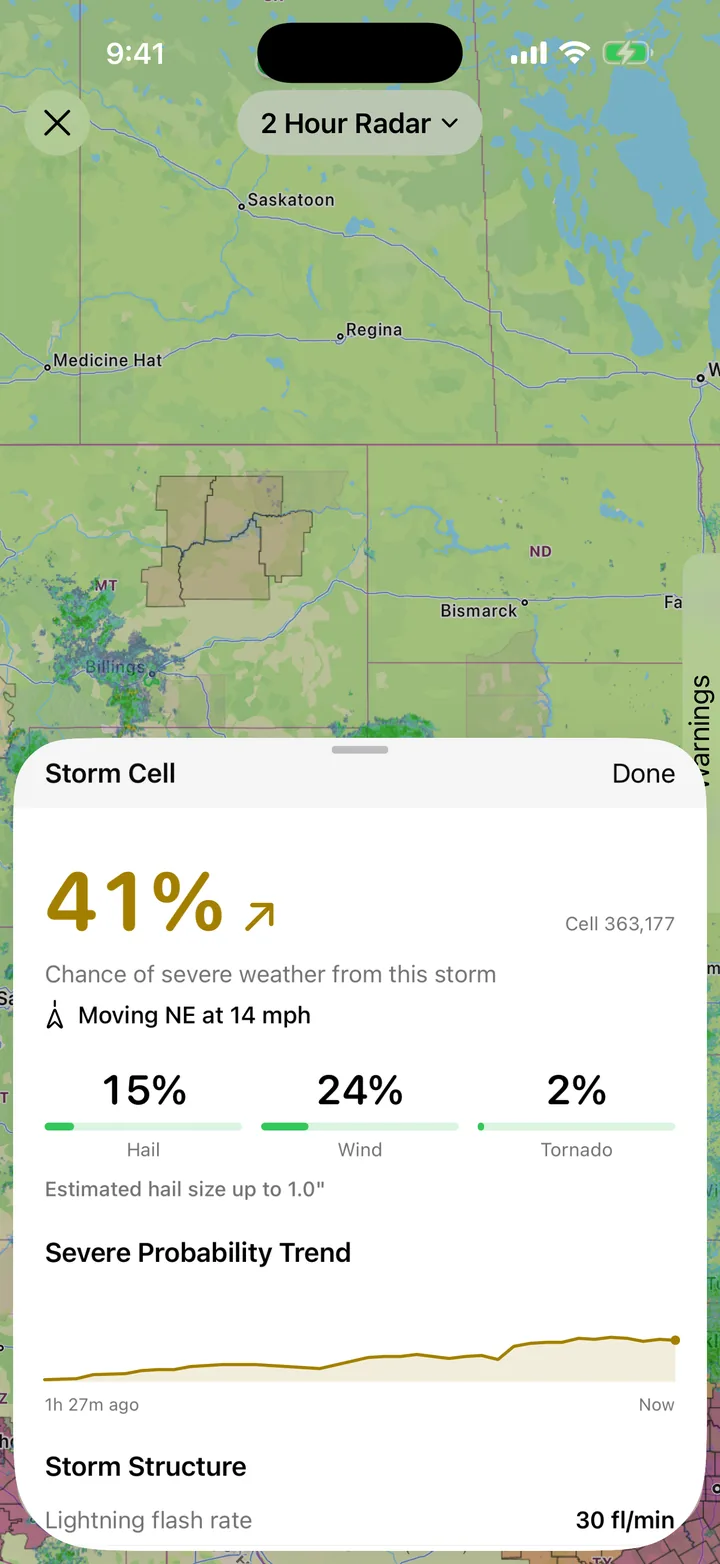
Overlays work the same way, with a tile for warnings, lightning, storm cells, storm reports, rain gauges and outlooks. A View saves a whole set so you can switch to it in one tap.
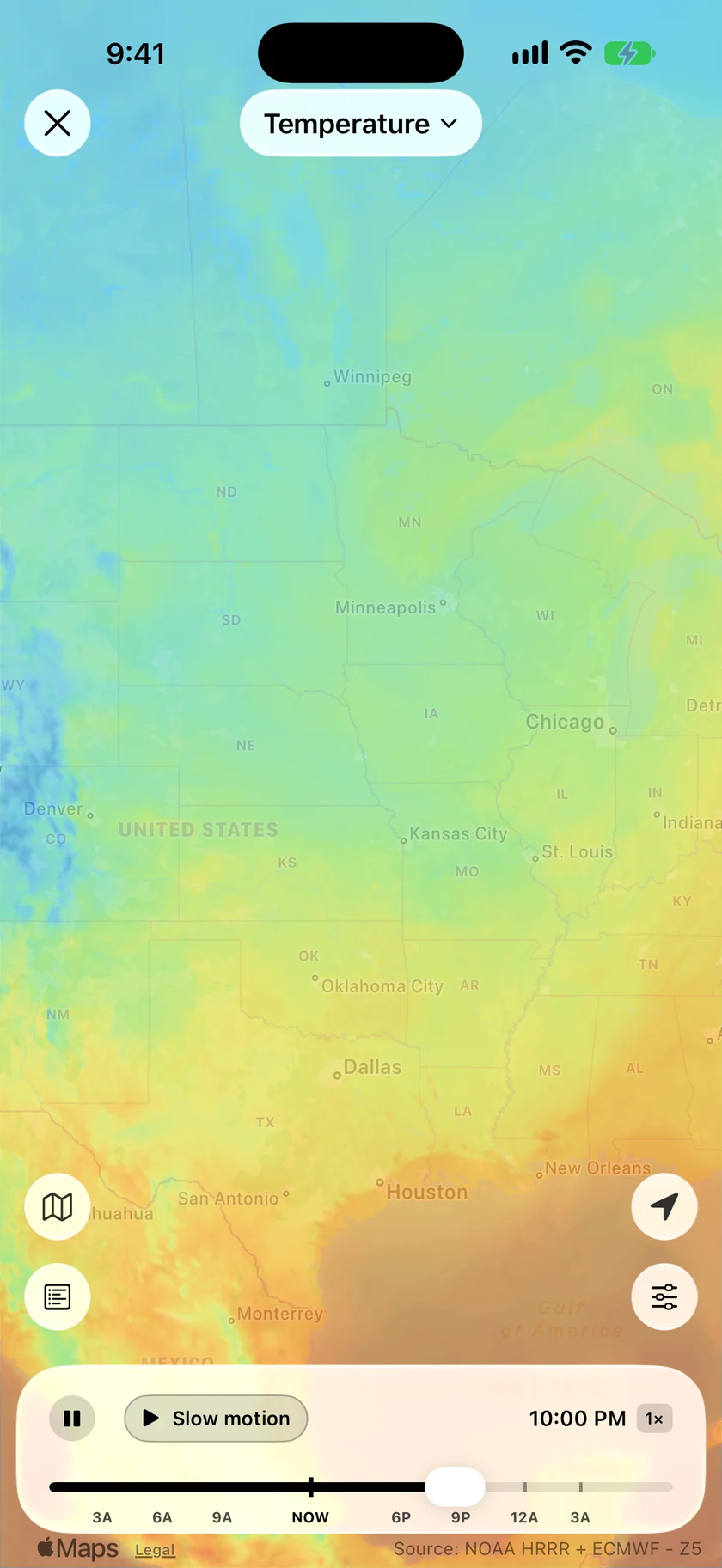
New forecast mapsiOSMacTV
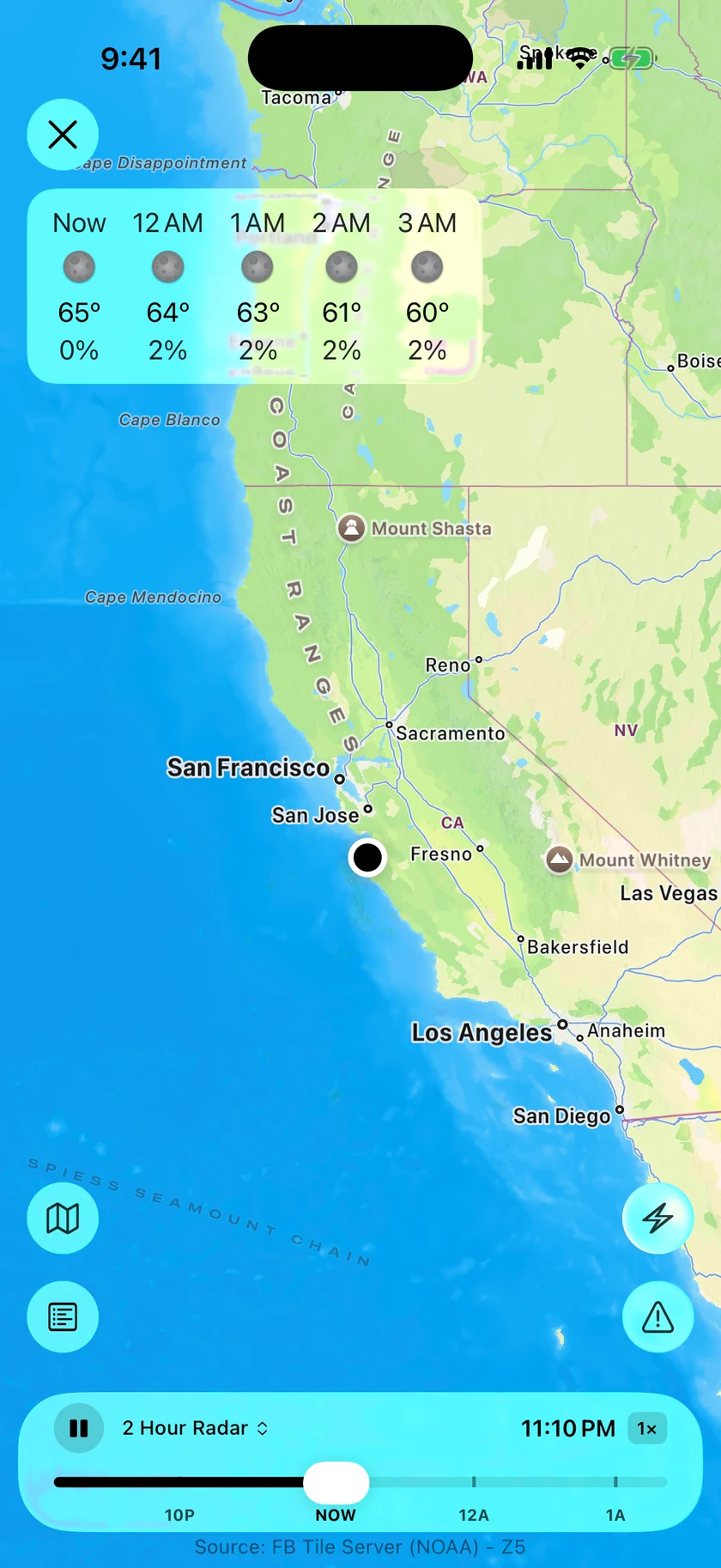
Temperature, Feels Like, Dew Point and Wind run on new high-resolution forecast maps, from 6 hours ago to 18 hours ahead, and every map layer now plays smoothly from frame to frame. Outside the US they use the best forecast model for your region: HRDPS in Canada, ICON-EU in Europe, and ECMWF everywhere else.
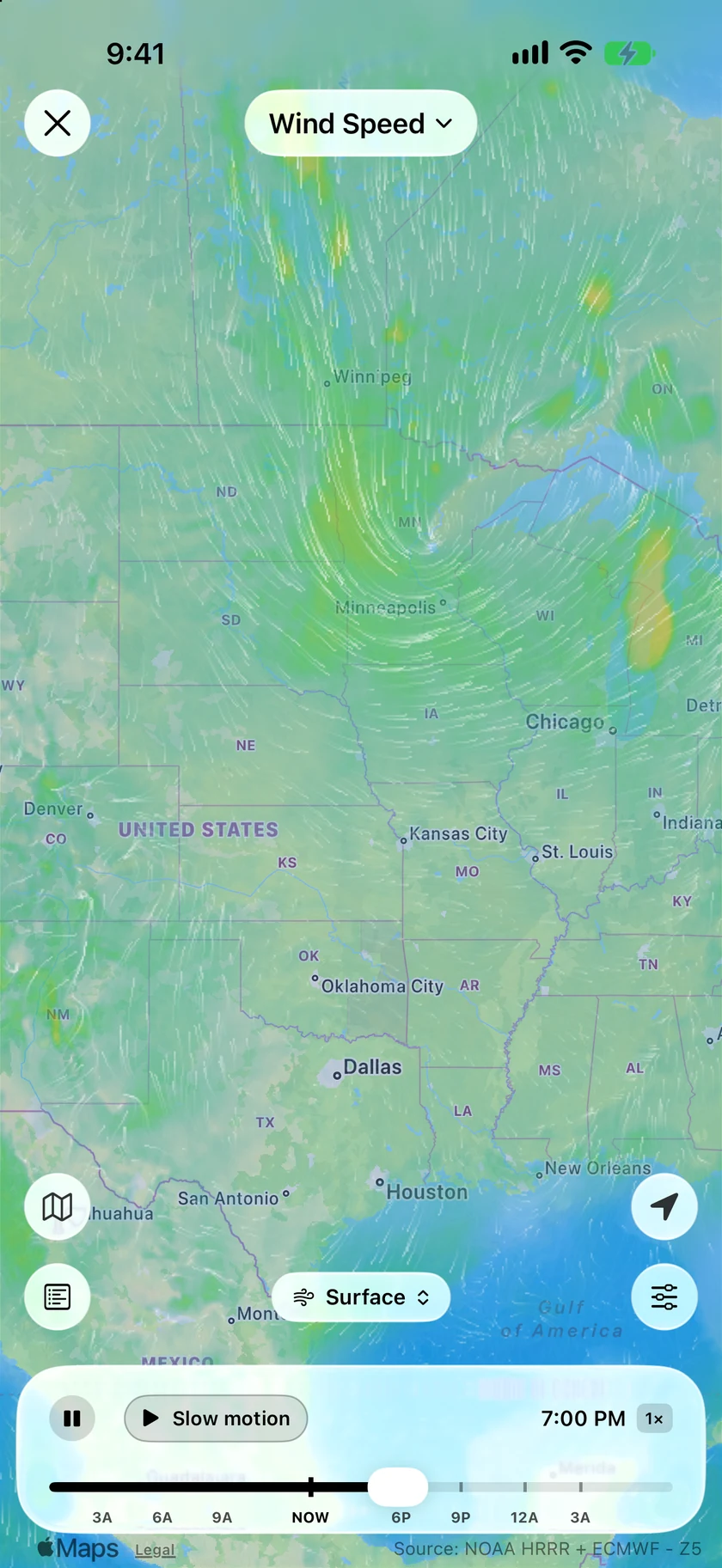
Wind you can watchiOSMacTV
Wind now draws animated flow lines, and it goes up. Winds aloft run from 5,000 to 34,000 ft. The colors are calmer too, saving the warm ones for gusty days.
Clouds from our own satellite feediOSMacTV
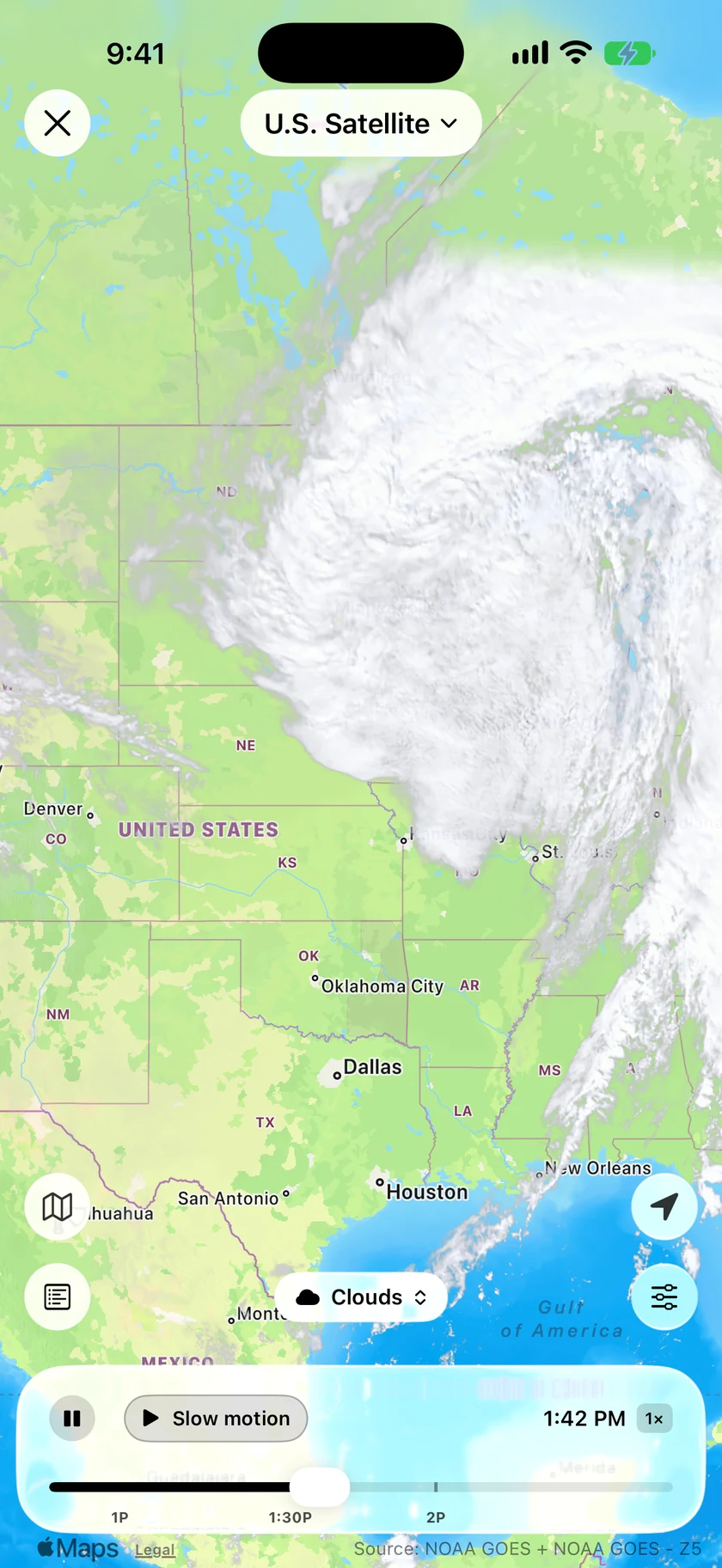
U.S. Satellite now shows our own GOES imagery. Clouds drift smoothly between scans, visible-light clouds appear by day, and a Storm Tops style shows what's building.
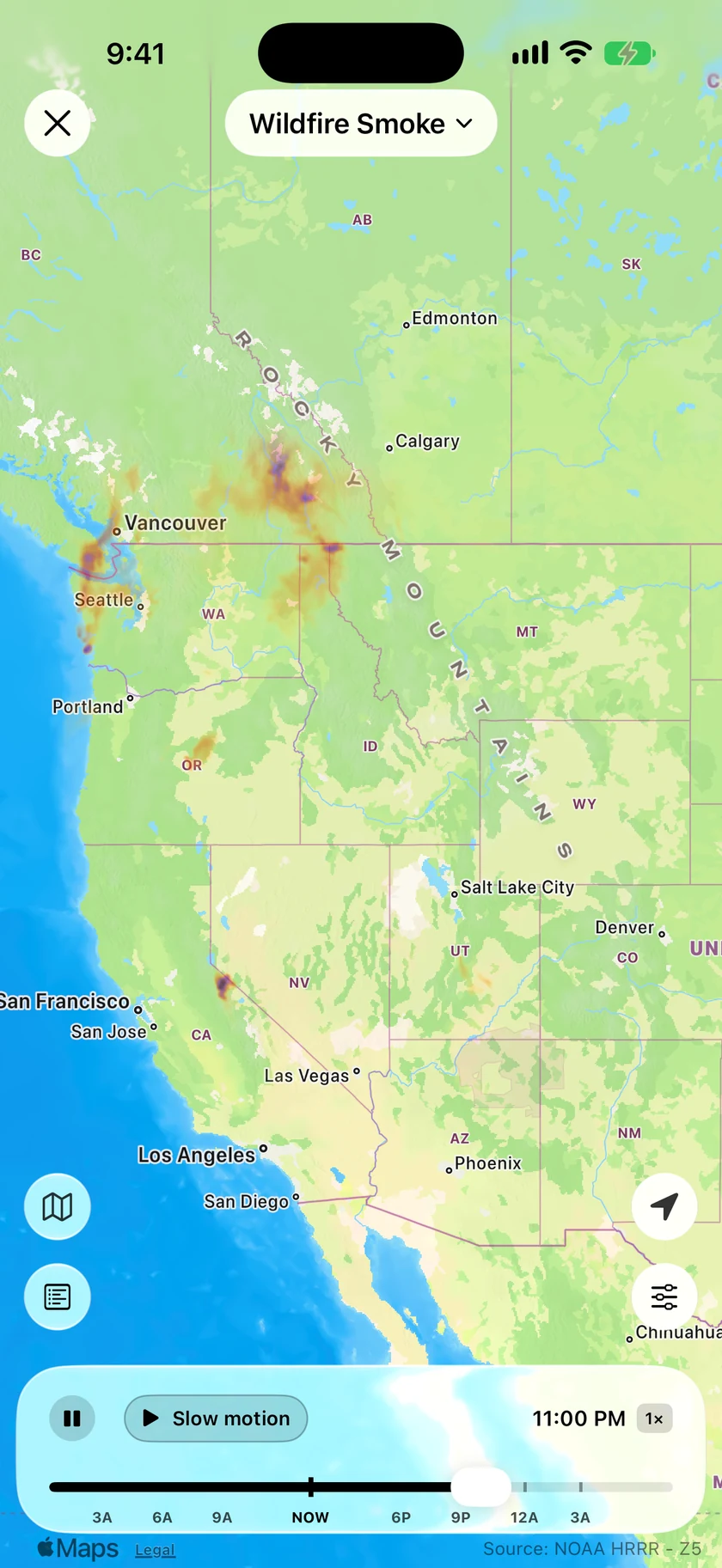
Wildfire Smoke, hour by houriOSMac
Wildfire Smoke plays hour by hour, from 12 hours back to 18 hours ahead, and clean air stays clear.
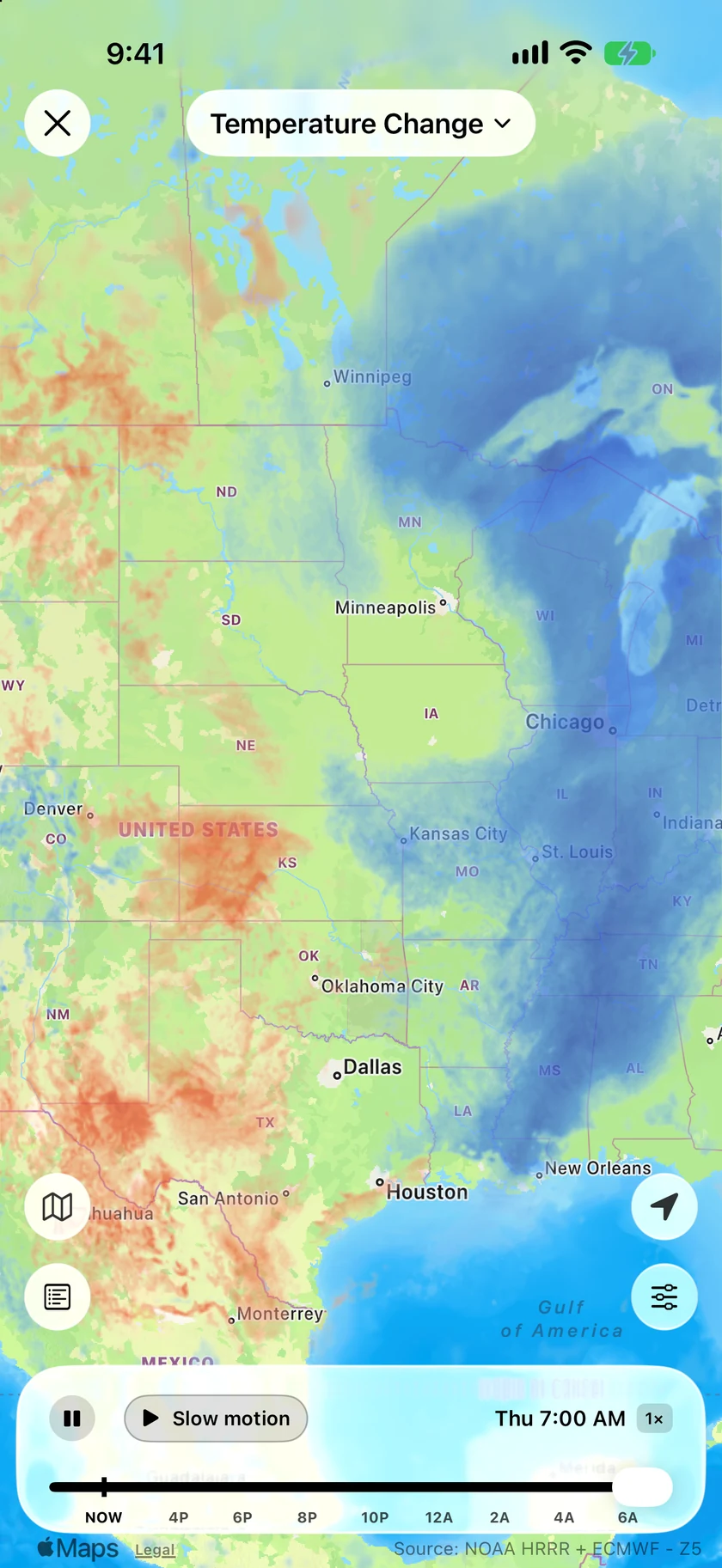
A day's change at a glanceiOSMacTV
Temperature Change shows the last 24 hours: blue where it's colder, red where it's warmer, from 12 hours back to 18 hours ahead.
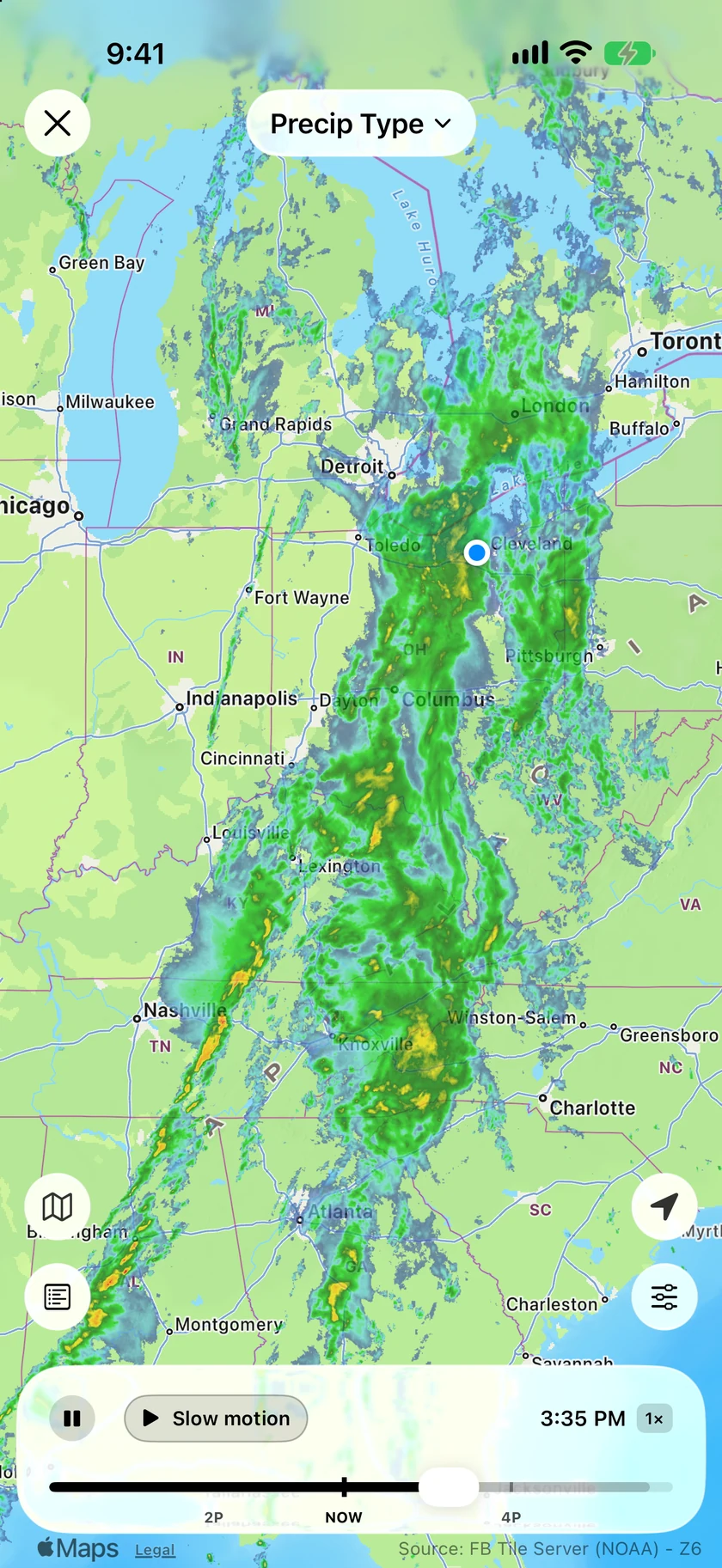
Precip Type moves like the radariOSMacTV
Precip Type is now Smooth Radar colored by rain, snow, ice and freezing rain, with the same smooth motion, forecast and scrubbing. Smooth Radar is the only radar now, and a seamless nowcast fills the gap between the newest scan and the forecast.
More of the map on the MacMac
The picture grids and the new maps come to the Mac, and Settings and Compare use the extra room in wide windows.
Every layer on Apple TVTV
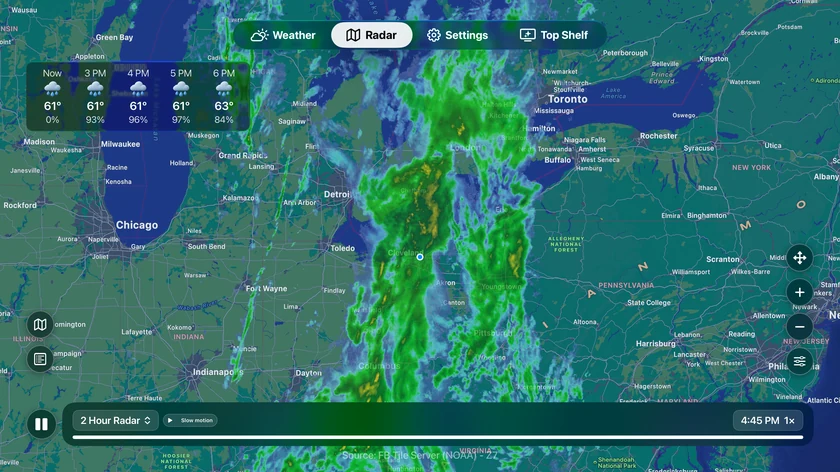
Every radar layer is now on Apple TV: road conditions, road cameras with live video, rain gauges and outlooks, with a Nearby panel of what's in view. Press, hold or swipe on the remote to glide the radar through time.
Plus 52 smaller changes — fixes, tidy-ups and one-line wins that didn't need a paragraph. See every line →
Everything in this release
- iPhone Duo, open: two columns split evenly on the fold, with more of your background in viewiOS
- iPhone Duo, half-folded like a book: the columns part to clear the creaseiOS
- iPhone Duo, half-folded upright: Weather Details above the fold, today and the days belowiOS
- iPhone Duo, closed and stood on its side: a desk glance with the time, weather and coming hoursiOS
- iPhone Duo: tap a day to see it in Weather Details beside your forecastiOS
- Locations on iPhone Duo and iPad is a gallery of your places, each with its scene and local timeiOS
- Locations gallery: search, set Home, rename, and hold a card to rearrangeiOS
- On iPad, Settings uses two columns and the compare screens show current numbers beside the chartsiOS
- Settings has its own button in the bar on iPhone Duo and iPadiOS
- Upcoming Travel: add trips by hand, with no calendar access needediOS
- Add as Trip in location search and the Locations gallery, and your trips sync across devicesiOS
- Hourly charts can show up to three data points at once, each with its own color and scale
- New Next Rain widget: when rain or snow is next, even days outiOS
- Next Rain on the Lock Screen and as an Apple Watch complicationiOS
- Two new Apple Watch corners: Big Temperature, and Big Temperature + RangeiOS
- Radar widget: Metro and City zoom levels, and an optional wind arrowiOSMac
- Smooth Radar is now the only radar, and the mini radar uses it too
- Radar fills the gap between the newest scan and the forecast with a seamless nowcast
- 18 Hour radar plays its past from live scans, so the picture no longer jumps at Now
- Dragging the radar timeline glides smoothly through timeiOSMac
- Radar Layers and Radar Overlays show every option as a pictureiOS
- Every map layer plays smoothly, gliding from frame to frame
- Temperature, Feels Like, Dew Point and Wind use new high-resolution forecast maps
- Outside the US, those maps use the best forecast model for your region
- Wind shows animated flow lines, and winds aloft from 5,000 to 34,000 ft
- Precip Type is now Smooth Radar, colored by rain, snow, ice and freezing rain
- Precipitation 24 Hour and Snow 24 Hour show observed totals, plus totals up to three days ahead
- Wildfire Smoke plays hour by hour, 12 hours back to 18 hours aheadiOSMac
- Temperature Change shows the last 24 hours as blue (colder) and red (warmer)
- U.S. Satellite shows our own GOES imagery, with clouds that drift smoothly and a Storm Tops style
- Radar opens straight onto your Default Layer, even when it isn't Radar
- View on Map in Details opens the radar on that measurement's layeriOS
- The UV map layer is retired; the UV forecast stays in Details
- New Pressure Units setting: Automatic, inHg, or hPa / mb, separate from your unitsiOSMac
- Pressure reads hPa for every non-US units setting, where Metric and Canada said mb
- Your Home location, chart choices, and wind and pressure units carry over to your other devicesiOS
- Visualize Day plays at 0.5×, 1×, 2× or 4×, or Auto, which lingers on sunrise and sunsetiOS

- The animated sky, map layers and radar timeline use much less power, so your phone stays cooleriOS
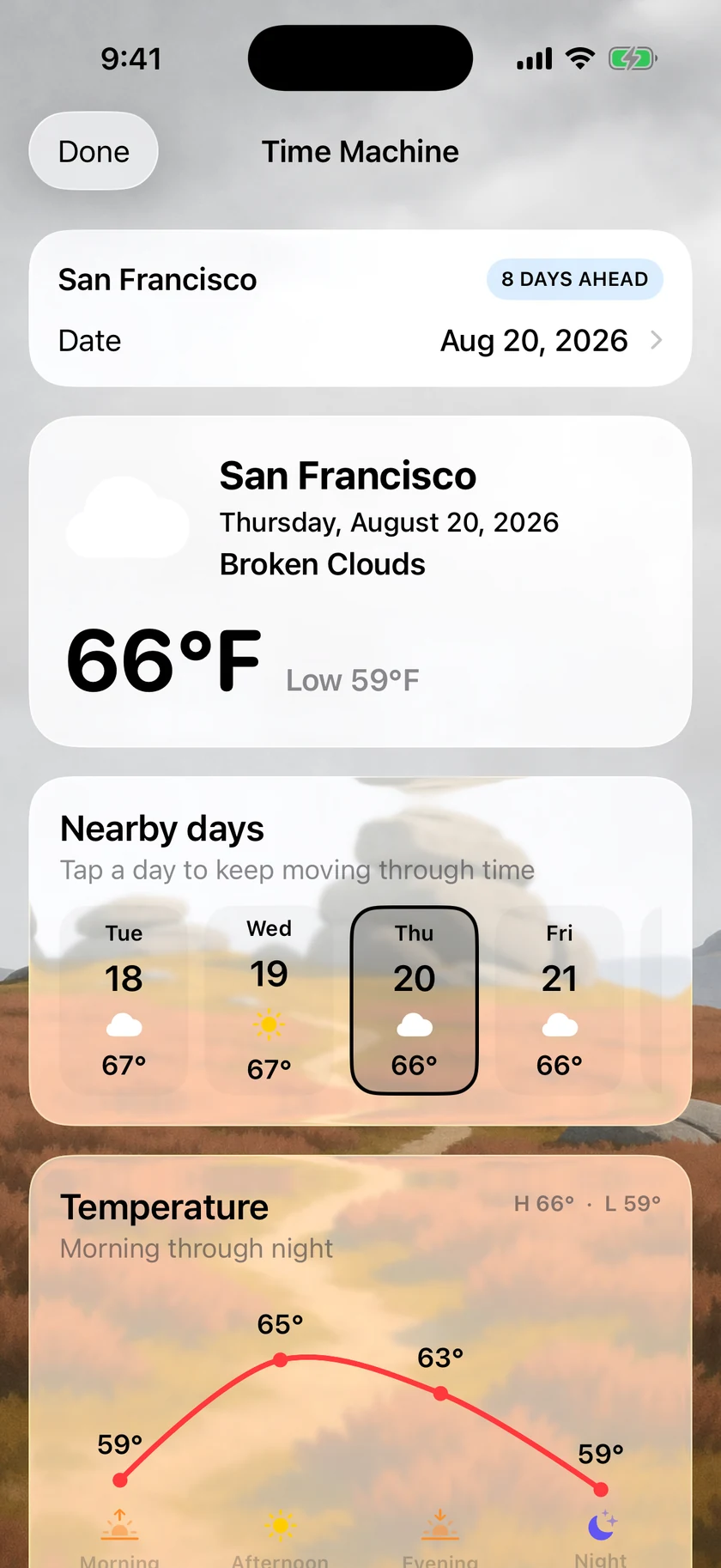
- Time Machine shows your chosen weather icon set
- Alert details always finish loading, and an alert's text appears right awayiOSMac
- Upcoming Travel comes to the Mac, with trips from your calendar or ones you add by handMac
- Radar Layers and Overlays are picture gridsMac
- Busy road layers show the most important markers first and reveal more as you zoom inMac
- Settings and Compare use the extra room in wide windowsMac
- Wind and pressure units carry over to your other devicesMacTV
- The animated sky and map layers use less powerMac
- Closing a road camera window no longer crashes Forecast Bar on Macs with a Touch BarMac
- Every radar layer on Apple TV: road conditions, cameras with live video, rain gauges and outlooksTV
- A Nearby panel shows what's in view on the radarTV
- Press, hold or swipe on the remote to glide the radar through timeTV
- Radar Layers and Overlays are picture grids, like on iPhoneTV
- Global Radar plays 6 hours of forecastTV