New in Forecast Bar 11.9.
Everything on this page arrives with version 11.9, which is on its way to the App Store.
Forecast Bar on iPhone Duo, in short
- Open, on its side
- Two columns split evenly on the fold: today and your days on one side, Weather Details on the other.
- Half-folded
- Held like a book, the columns part to clear the crease.
- Closed, on its side
- A big clock, the weather now and a curve of the next 12 hours.
- Locations
- A gallery of every saved place, each card painted with its own sky.
- Radar
- Full-screen radar fitted to the Duo's rounded corners.
- Subscription
- Covered by your iPhone subscription. It's the same app.
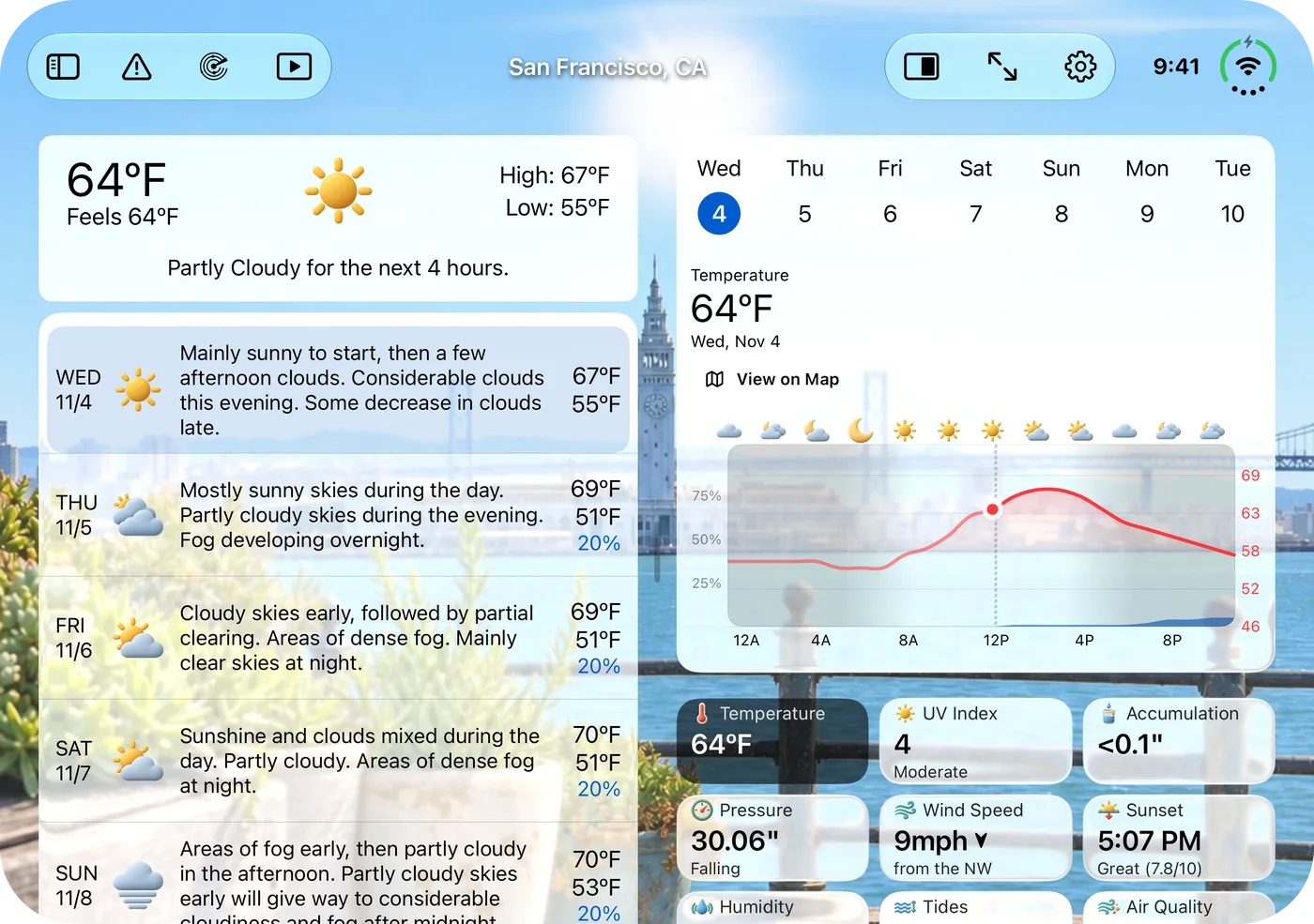
Your whole forecast, either side of the fold.
Turn the open Duo on its side and Forecast Bar splits evenly on the fold. Your conditions and days sit on one side, with the chart and Weather Details on the other, and more of your background shows through between them.
- Two columns, split evenly on the fold
- The next days beside today's chart
- Buttons in one bar across the top
- Settings fills the display in two columns too
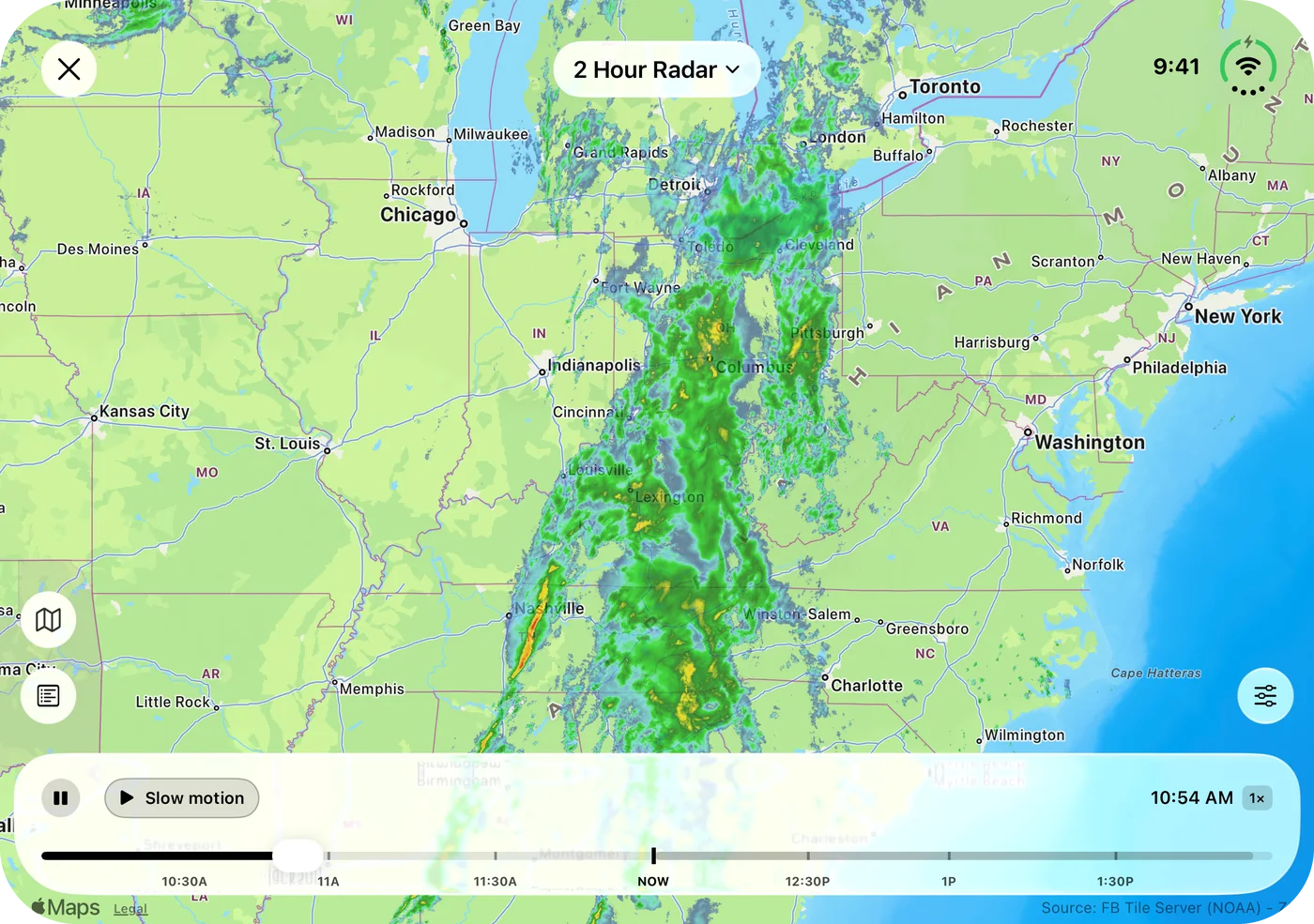
Room to follow a whole storm.
On the inner display the radar has space to show a storm line from end to end, with the timeline running the full width underneath. Your layers and overlays work just as they do on iPhone.
- Radar across the whole inner display
- A full-width timeline below the map
- Controls fitted to the Duo's rounded corners
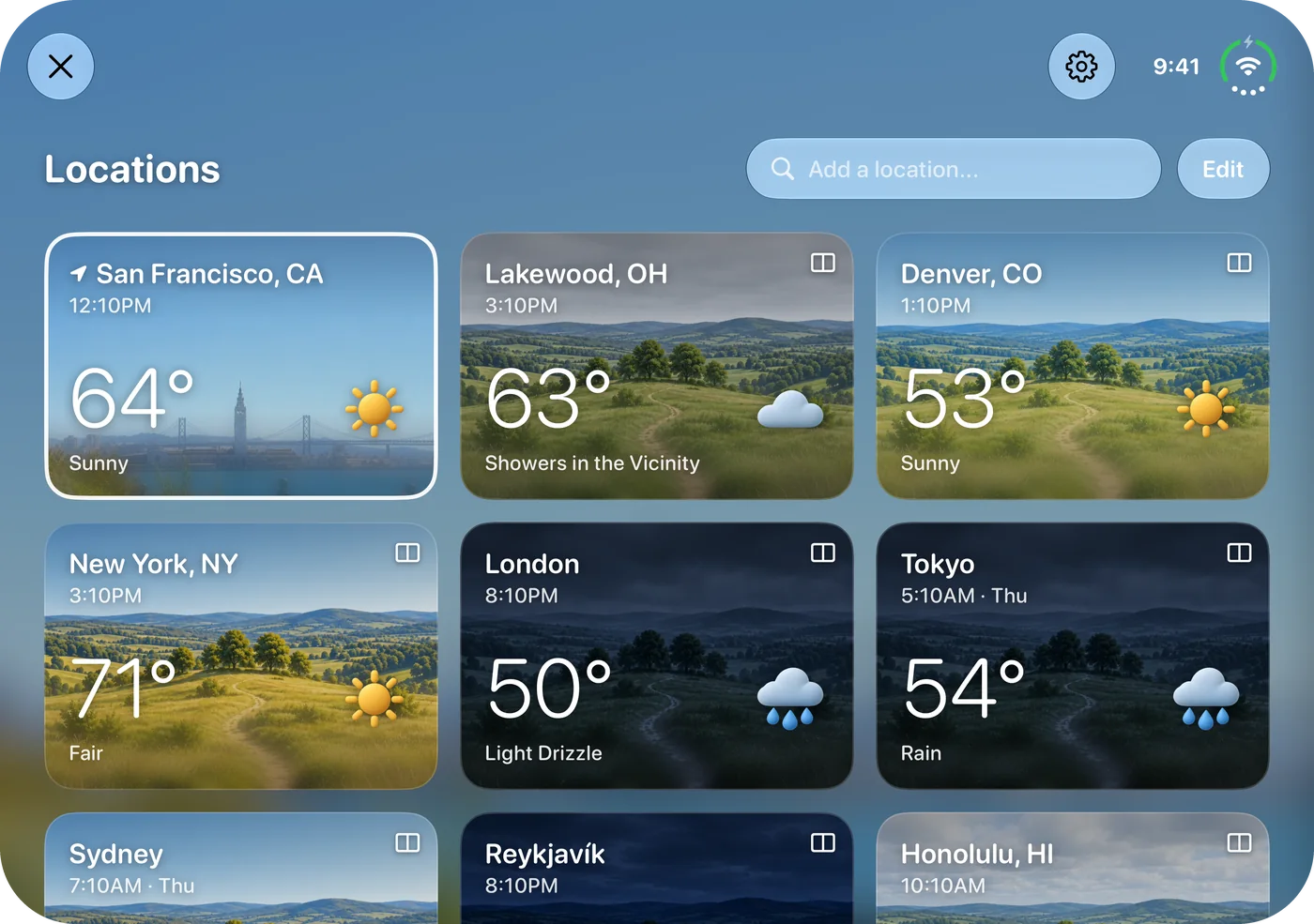
Every place you love, at a glance.
Locations opens as a gallery. Each saved place is a card painted with its own sky right now, with its temperature, conditions and local time.
- Three cards across on its side, two when it's upright
- Each card shows that place's sky and local time
- Add, reorder and share from the same screen
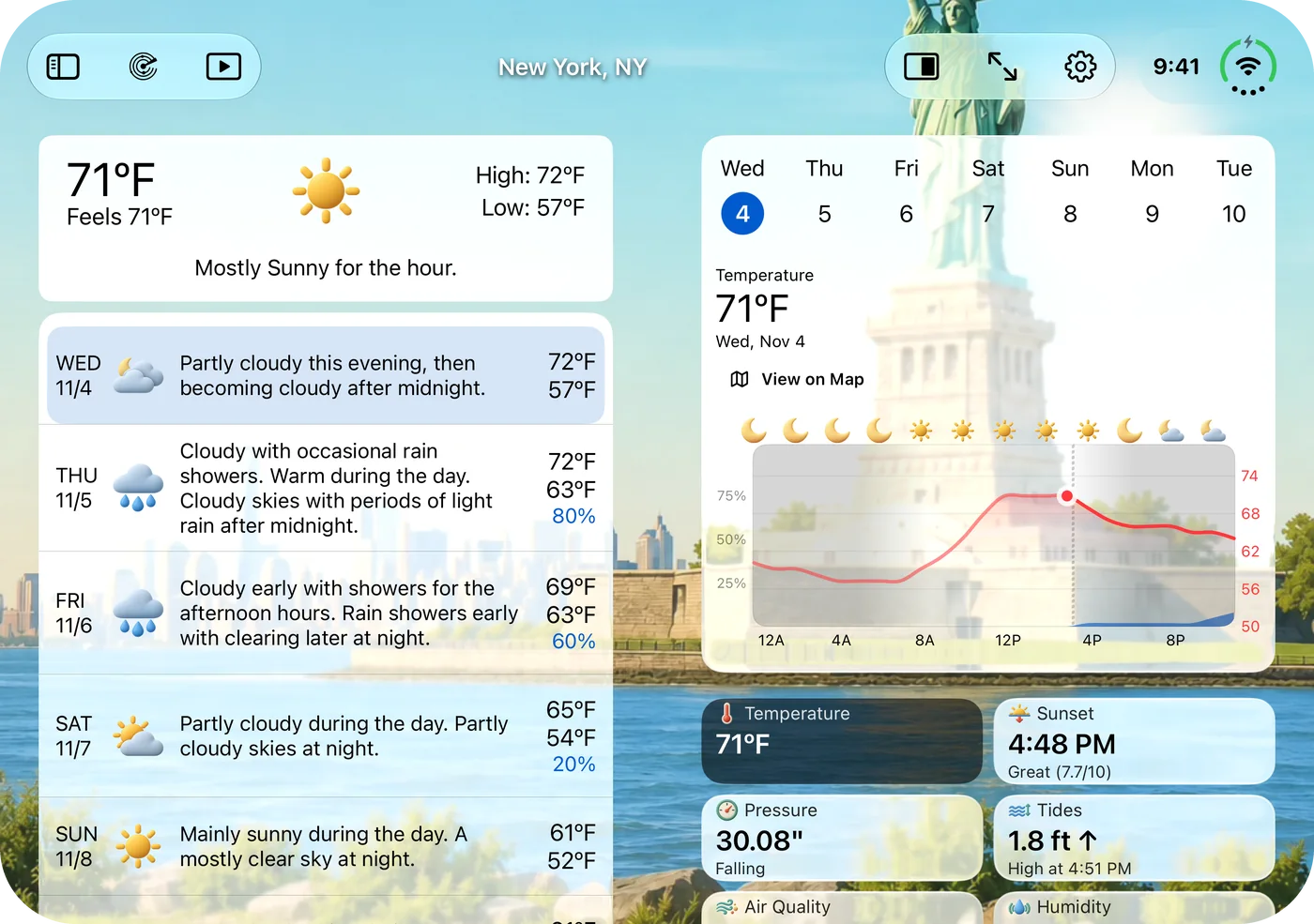
Hold it like a book.
Half-fold the Duo and the columns part to clear the crease, so nothing you're reading sits in the fold.
- The gap widens at the crease
- Your background shows through the fold
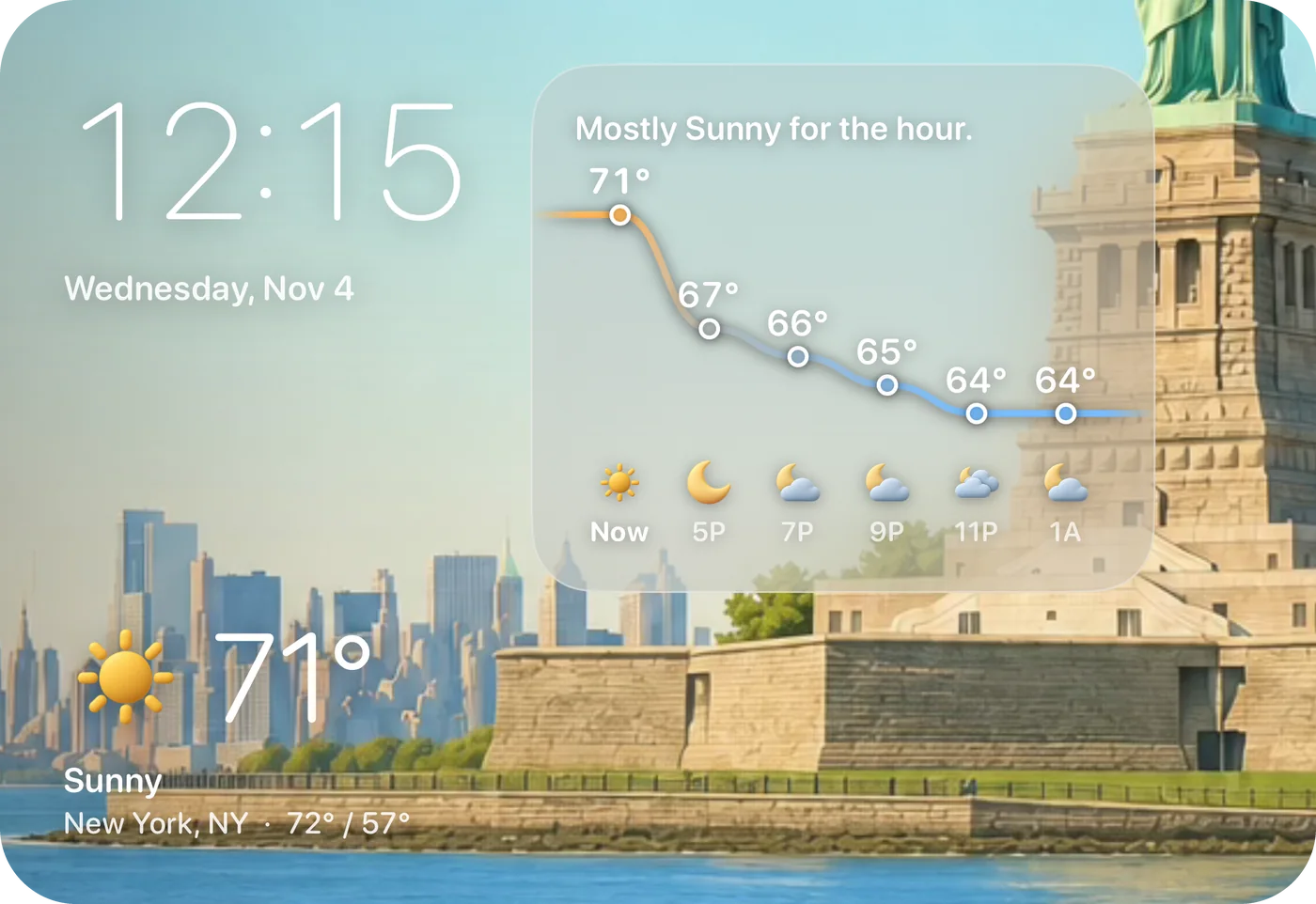
A weather display for your desk.
Close the Duo and stand it on its side, and Forecast Bar becomes a desk glance: a big clock, the weather now and a curve of the next 12 hours, sized to the screen.
- The time, readable from across the room
- The weather now, with today's high and low
- The next 12 hours as a curve
Questions about Forecast Bar on iPhone Duo
Does Forecast Bar work on iPhone Duo?
How do I get two columns on iPhone Duo?
What does Forecast Bar show when iPhone Duo is closed?
Do I need a separate subscription for iPhone Duo?
How much does Forecast Bar cost?

Give your forecast the whole display.
Every iOS plan starts with a free trial week.
Free to download; live weather requires a subscription. On iPhone and iPad, every subscription includes a 7-day free trial for new subscribers; Mac plans do not. Mac and iOS plans are separate; Apple TV is included with Forecast Bar Gold on iOS.
More from Forecast Bar
Weather app for iPad
The full forecast, charts and radar with room to breathe — plus widgets in every iPad size.
Weather radar for iPhone & iPad
Animated radar with future radar, live lightning, satellite, and warning polygons on the map.
Multiple locations & side-by-side compare
Unlimited saved places, all visible at a glance, and any two comparable side by side.