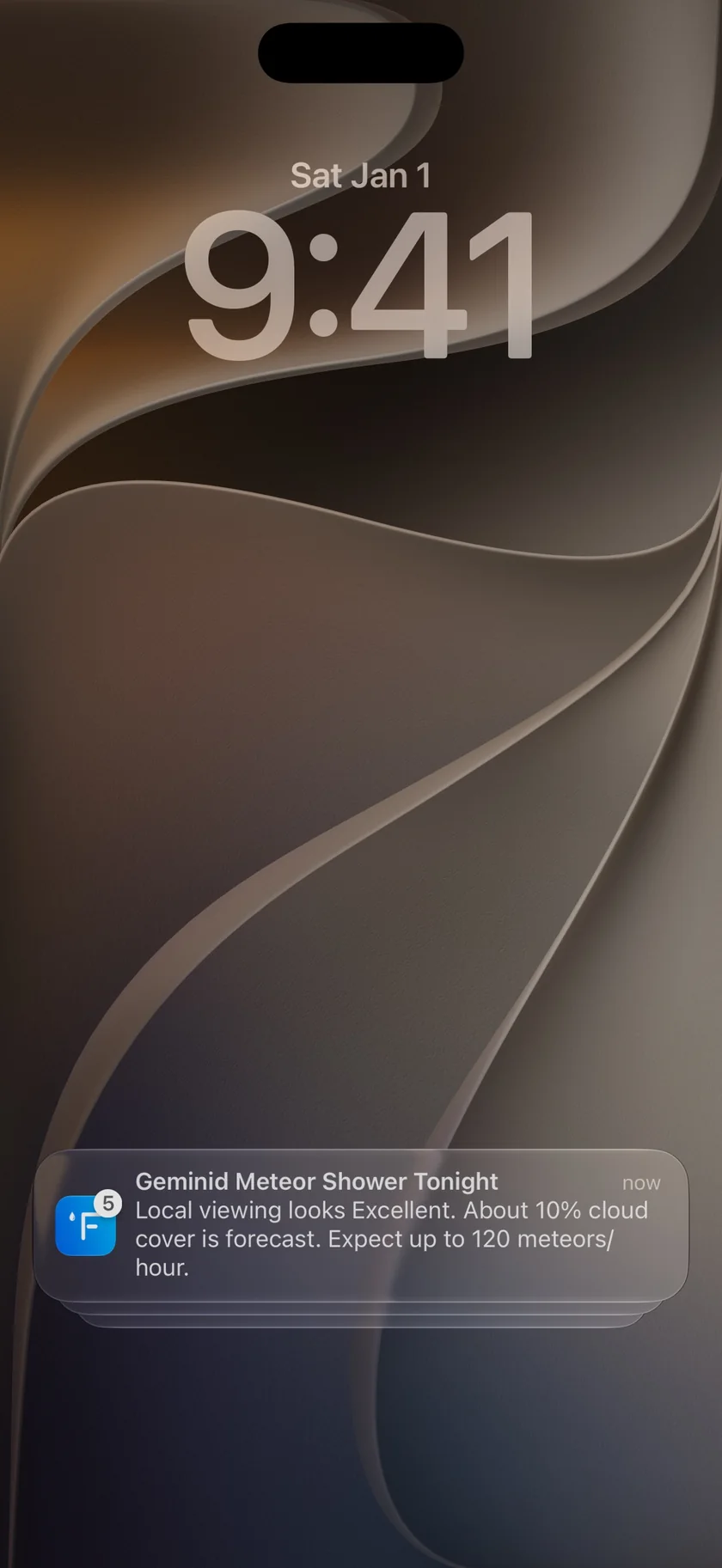
The moon in Forecast Bar, in short
- Phase
- Forecast Bar shows the Moon's current phase by name with the percentage illuminated, beside a realistic rendering of the Moon.
- Moonrise and moonset
- Forecast Bar gives moonrise and moonset times for the location you're viewing, in that location's own time.
- Next phases
- The moon screen in Forecast Bar lists the dates of the next four main phases: full moon, last quarter, new moon and first quarter.
- Other days
- Choose any day in the forecast strip to see that day's moon phase and moon times.
- Apple Watch
- The Forecast Bar Apple Watch app has a Sun & Moon screen that includes the Moon's phase and its name, and a Moon Phase tile that opens it.
- Alerts
- Forecast Bar's Astronomy Alerts can notify you about full moons, new moons, supermoons and lunar eclipses, and need Gold on iPhone and iPad or Pro on the Mac.
- Plan
- Moon phase and moon times are included with Silver and Gold on iPhone and iPad, and with Plus and Pro on the Mac.
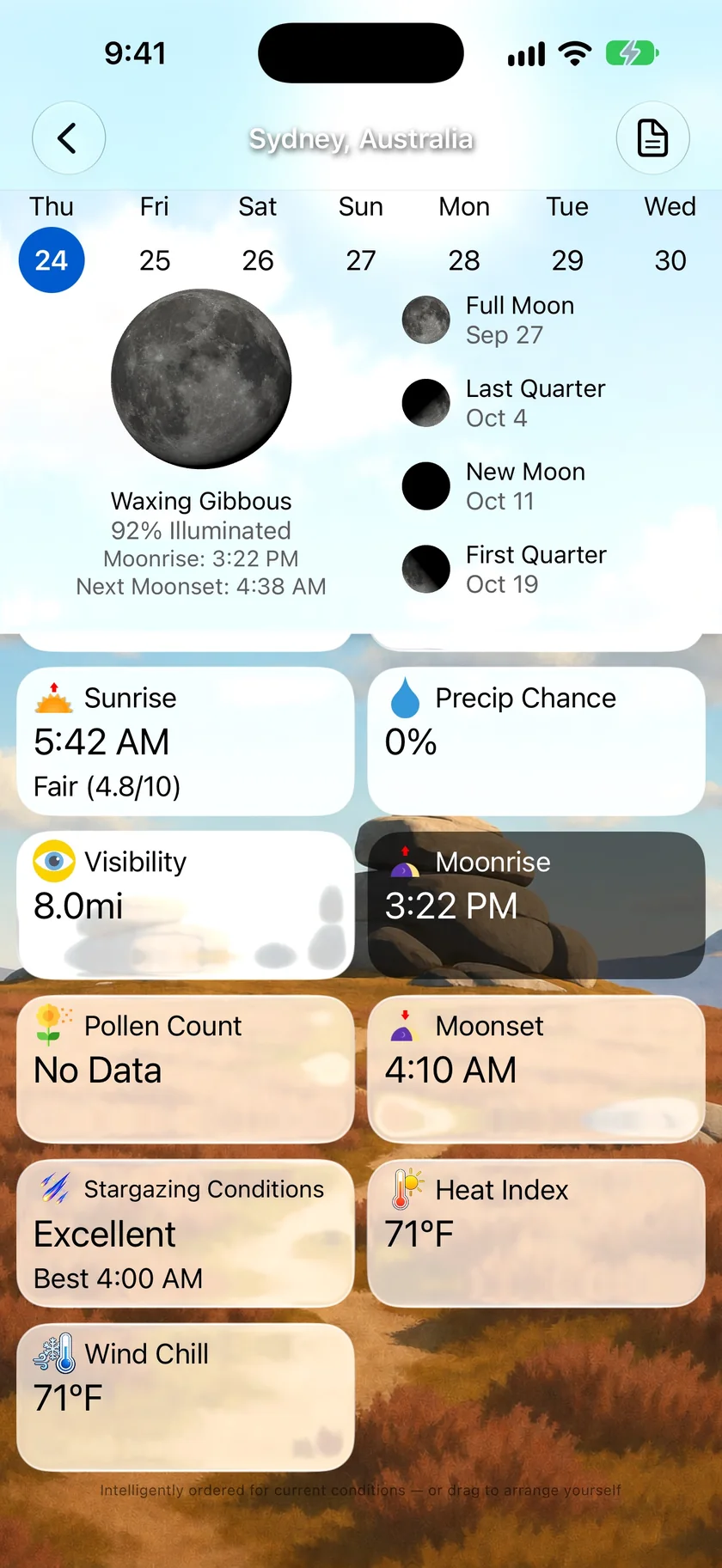
The phase, the percentage and the times, on one screen.
Tap the Moonrise or Moonset tile and Forecast Bar draws the Moon in its current phase, with its name, how much of it is lit and when it next rises and sets. Beside it are the next four main phases with their dates, so you can see how far off the next full moon is.
- Phase name and percent illuminated
- Moonrise and moonset, or the next ones once they've passed
- Dates for the next four main phases
- Pick another day in the strip to see that day's moon
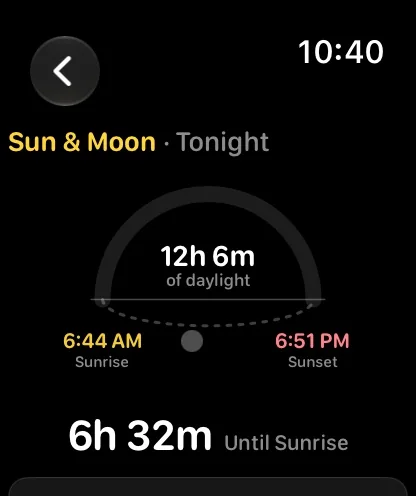
Sun & Moon on Apple Watch.
The watch app's Sun & Moon screen draws the day as an arc, then carries on down to first and last light and the Moon's phase with its name. It's shown on the main screen by default, and a Moon Phase data tile opens it too.
- Moon phase drawn as a disc, with its name
- Sunrise, sunset and length of day above it
- First and last light
- A Moon Phase tile for your data grid
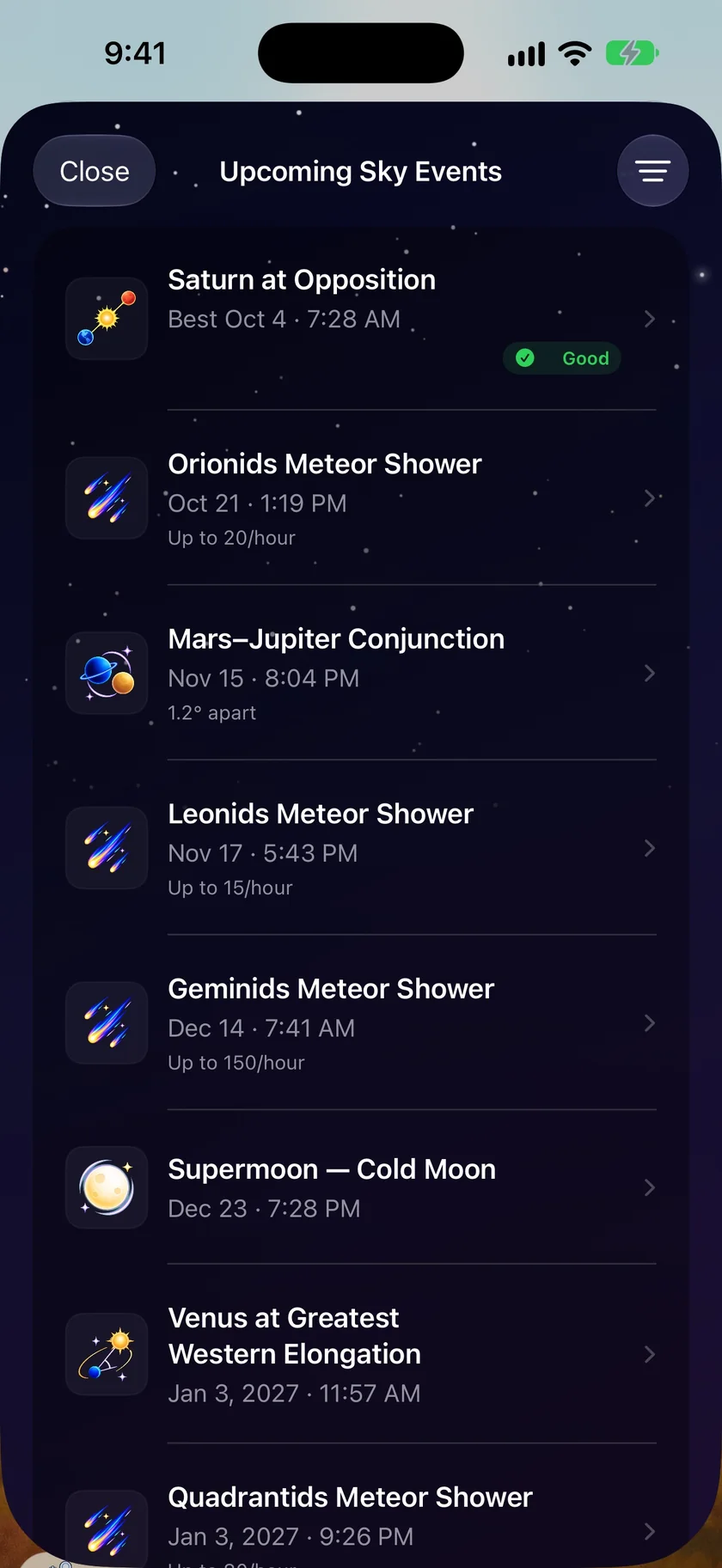
Hear about the nights worth looking up.
Astronomy Alerts cover the Moon's big moments for your latest location. Supermoons and lunar eclipses are on by default once you turn the alerts on. Full moons and dark-sky nights, which mark the new moon, are there to add. Upcoming Sky Events keeps the whole list, with the Moon as its own filter.
- Supermoons and lunar eclipses
- Named full moons
- Dark-sky nights around the new moon
- Needs Gold on iPhone and iPad, or Pro on the Mac
An honest note: the Moon screen tells you when, not whether you'll see it.
Phases and moon times come from where the Moon is, so they don't change with the weather. If you want to know whether clouds will get in the way, check Stargazing Conditions, which weighs the forecast too.
The Moon screen comes with a subscription, like the rest of your live weather: Silver or Gold on iPhone and iPad, Plus or Pro on the Mac. Alerts need Gold or Pro, along with Sign in with Apple and notifications turned on.
Questions about the moon
Does Forecast Bar show the moon phase?
Does Forecast Bar show moonrise and moonset times?
When is the next full moon?
Can I get an alert for a full moon?
Can I see the moon phase on Apple Watch?
How much does Forecast Bar cost?

Know what the Moon's doing tonight.
Try Forecast Bar free for 7 days with a new iPhone or iPad subscription.
Free to download; live weather requires a subscription. On iPhone and iPad, every subscription includes a 7-day free trial for new subscribers; Mac plans do not. Mac and iOS plans are separate; Apple TV is included with Forecast Bar Gold on iOS.
More from Forecast Bar
Stargazing forecast
Tonight's best dark window, rated from Excellent to Poor, with meteor shower and eclipse alerts.
Eclipse, supermoon & solstice alerts
Lunar and solar eclipses visible from your location, supermoons, solstices and equinoxes — with warning.
Weather app for Apple Watch
A full forecast on your wrist: a sky that matches the weather, a week you can read at a glance, charts you scrub with the Digital Crown, and a layout you arrange yourself.