Visualize Day in Forecast Bar, in short
- What it is
- Visualize Day plays the next 24 hours of your forecast as a full-screen animated flythrough — sky, sun, stars, clouds and precipitation changing hour by hour — then loops.
- On iPhone and iPad
- Pull down on the main screen, past the point where refresh triggers, and keep pulling — the flythrough takes over the screen.
- On Mac
- Open it from the weather panel's footer, the menu bar icon's right-click menu, or View › Visualize Day (⌥⌘V).
- The window
- Always the next 24 hours from the current hour, so you're watching the weather ahead of you rather than replaying the morning.
- The sky
- The sun rises and sets at your location's real sunrise and sunset times, and the sky's colors turn with them.
- Sharing
- Any day can be exported as a video and shared straight from the flythrough.
- Requires
- Forecast Bar 11.4 or later on iOS and macOS. Visualize Day is not on Apple TV or Apple Watch.

Pull down past refresh, and keep going.
Refresh is the first stop. Pull past it and the main screen gives way to Visualize Day: the coming 24 hours as one continuous flythrough, the scene brightening and darkening as the hours pass, with the time, conditions and temperature playing along the bottom.
- Sky, sun, stars, clouds and rain follow the forecast hour by hour
- Starts at the current hour and runs a day forward — forecast, not replay
- One full day plays in about 30 seconds, then loops
- Drag the timeline to any hour — sunrise and sunset are marked where they fall
The sun rises when your sun rises.
Visualize Day runs on the same solar model as the app's animated backgrounds, rebuilt in 11.4: the sun follows your location's real sunrise and sunset times instead of a fixed six-to-six arc, sets out of frame instead of vanishing at the screen's edge, and the sky and cloud colors turn at the day's actual sunrise and sunset.
- Sunrise and sunset come from the forecast for your exact location
- Sky and cloud colors shift continuously, not in steps
- Stars come out at night, and the moon shows its current phase
- The same sky animates the main screen behind your forecast

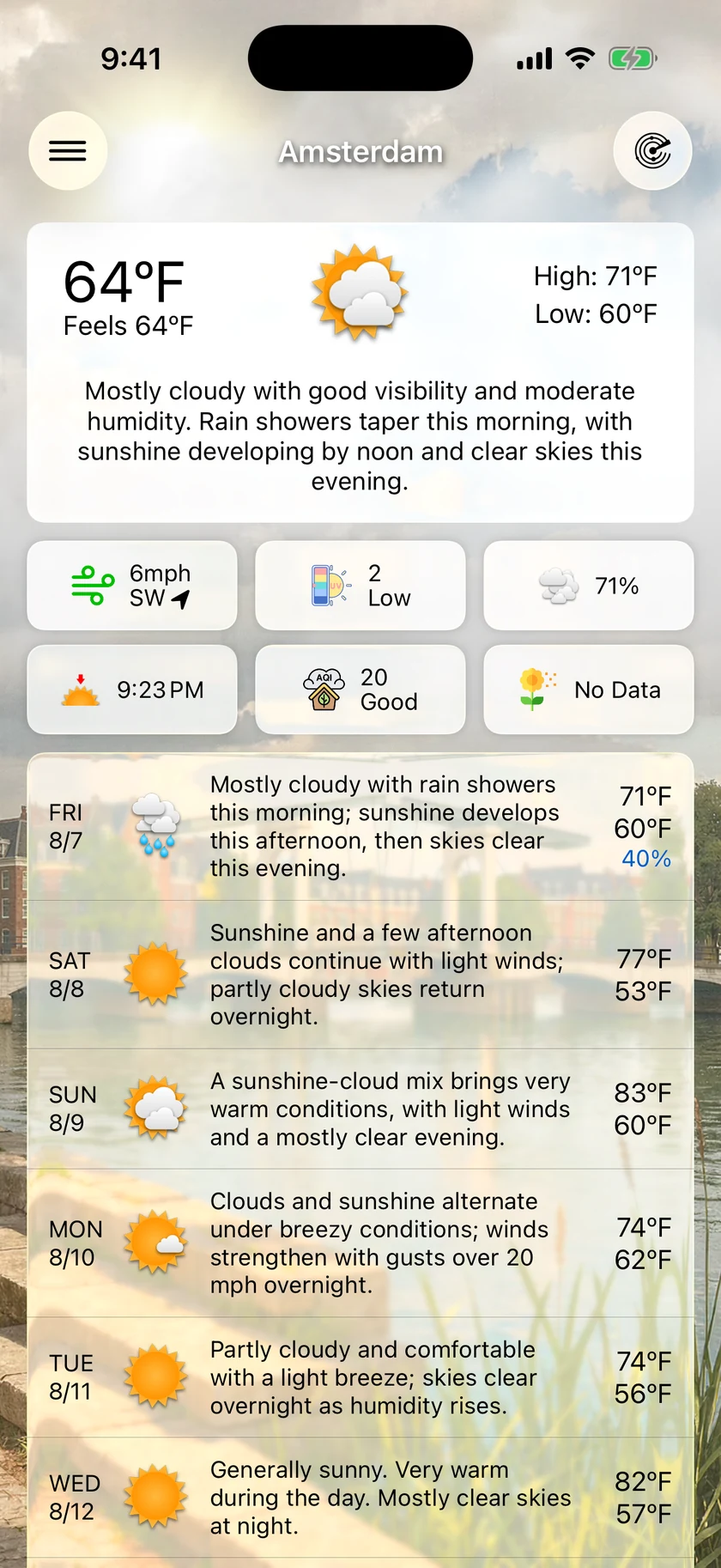
The same day on your Mac — and exported as video.
On macOS, Visualize Day opens in its own window — from the weather panel's footer, the menu bar icon's right-click menu, or View › Visualize Day. And on both platforms the day you just watched can leave the app: export it as a video, ready to send or post.
- Its own window on the Mac, opened with ⌥⌘V from anywhere in the app
- Export renders the full day offline — higher quality than a screen recording
- The standard share sheet on iOS, the share picker on macOS
- A condition icon beside the temperature is one switch away in Settings
An honest note: it's a visualization, not a camera.
The scenery is artwork — a scene matched to your location, or one of Forecast Bar's downloadable City Packs when your city has one. What's real is the forecast driving it: every hour's light, cloud, rain and temperature come from the actual hourly forecast for where you are.
When a generic scene is standing in for your city, a Request a City Pack button appears right inside Visualize Day — Gold subscribers can ask for artwork of their own city to be created. Visualize Day itself isn't tied to a tier; that one button is.
Questions about Visualize Day
What is Visualize Day in Forecast Bar?
How do I open Visualize Day?
Can I save or share the flythrough as a video?
Which devices have Visualize Day?
Why doesn't pulling down open Visualize Day?
Does Visualize Day need a subscription?
How much does Forecast Bar cost?

Watch tomorrow before it gets here.
Visualize Day is included with every plan — and on iPhone and iPad, every subscription starts with a 7-day free trial.
Free to download; live weather requires a subscription. On iPhone and iPad, every subscription includes a 7-day free trial for new subscribers; Mac plans do not. Mac and iOS plans are separate; Apple TV is included with Forecast Bar Gold on iOS.
More from Forecast Bar
iPhone weather widgets
17 Home and Lock Screen widgets, StandBy, and Live Activities that track rain minute by minute.
Mac menu bar weather
Up to five configurable menu bar items, a 48-hour timeline and 15-day outlook one click away.
AI weather forecasts
A forecast written for your day in a briefing style you choose — not a wall of raw numbers.