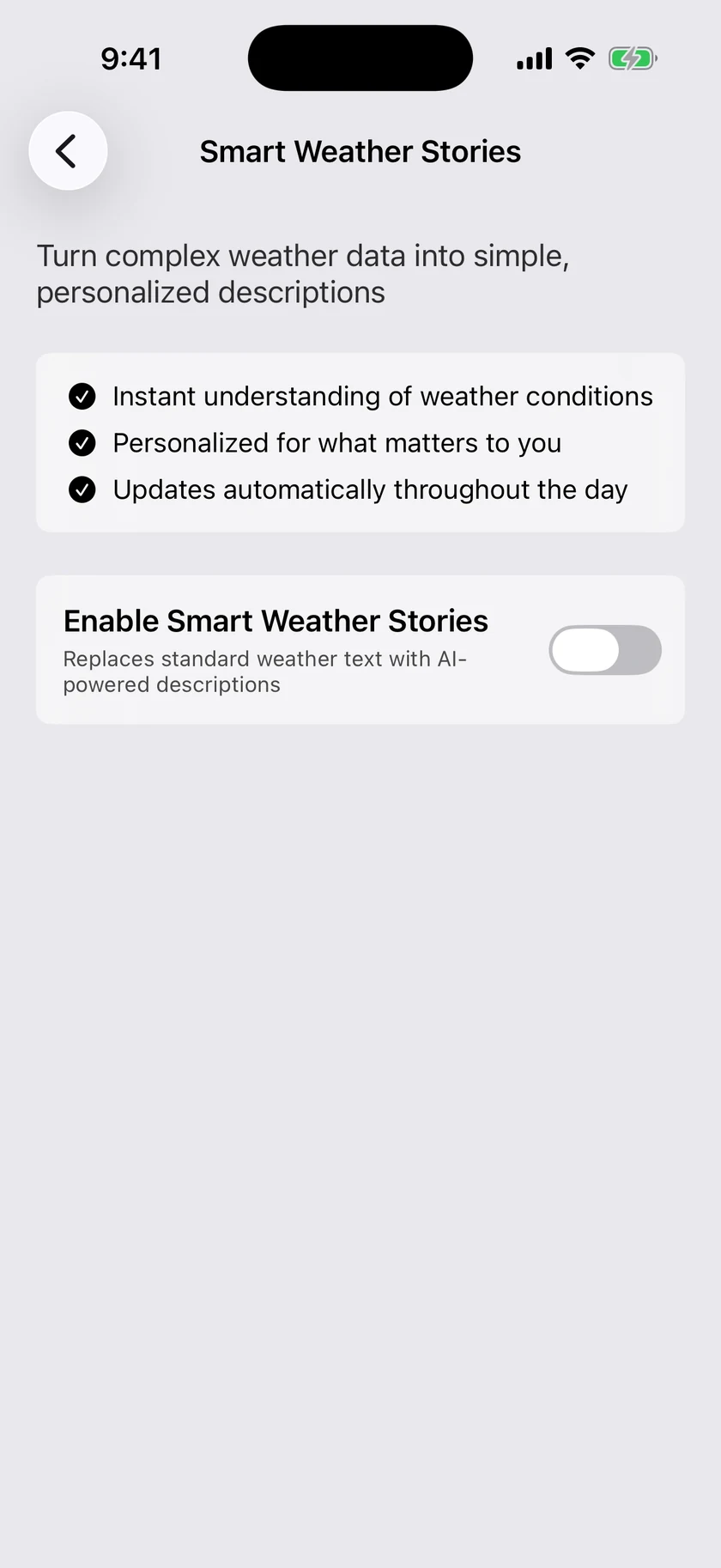
Smart Weather Stories are short, personalized forecast briefings written by AI — not a template, but a fresh summary of your weather, written for the way you plan your day. You choose which parts of the forecast get one: the current conditions at the top of the main screen, each day in the daily list, and a week-ahead outlook above the daily forecast.
Requirements
- A Gold subscription — see Plans & Subscriptions.
- With the app in English, Forecast Language set to English too. If the app is in English and your forecast language is anything else, the screen shows an "English Only" notice and stories stay off. You can change it in Data & Layout → Localization. With App Language set to one of the other languages, Stories are not switched off.
Turning it on
Go to Settings → Smart Weather Stories. There is no single master switch — instead, the Stories section carries one switch per part of the forecast, and you turn on the ones you want. Stories are on as soon as any one of the three is on, and the next forecast refresh includes your first story.
| Switch | What it writes |
|---|---|
| Current Conditions Story | A personalized story in place of the standard current conditions text, at the top of the main screen |
| Daily Forecast Stories | A personalized story for each day in the daily forecast |
| Week Ahead Outlook | A single weekly outlook, shown as a header above the daily forecast |
All three start off. If you used Smart Weather Stories before the switches were split apart, your old setting carries over: the current conditions story stays on, and the other two stay off unless you had already asked for them.
Week Ahead Outlook
The Week Ahead Outlook is one short story about the shape of the coming week, rather than a story per day. It sits above the daily forecast table, so you read the week's headline before the rows. It is independent of Daily Forecast Stories — you can have the weekly outlook without a story on every day, or both.
Options
Calendar Integration
Turn this on to let stories weave your actual schedule into the briefing — "rain should clear before your 3 PM soccer practice" instead of just "rain this afternoon." The app asks for calendar access the first time you enable it.
Tap Select Calendars to choose which calendars the AI may read (all are selected by default). Your events are only used to shape the briefing.
Animation
How the story text appears on the main screen:
| Option | Effect |
|---|---|
| Fade (default) | The story fades in |
| Typewriter | The story types itself out character by character |
Model
Choose the AI model that writes your stories:
| Option | Description |
|---|---|
| Auto (default) | Automatically selects the best model for your summary |
| Quick | Shorter, punchier summaries |
| Thoughtful | Richer prose with more overnight and weather-change detail |
Styles
Five styles control the voice and focus of every story:
| Style | Description |
|---|---|
| Executive Snapshot (default) | Metric-forward report with context and confidence |
| Routine Planner | Time-boxed guidance for commutes, school, and routines |
| Impact Brief | Risk-focused narrative that highlights impacts and actions |
| Lightning Round | Rapid-fire essentials with headline risks |
| My Custom Briefing | Design a briefing around what you care about most |
My Custom Briefing
Pick My Custom Briefing and a free-text box appears where you describe, in a few lines, exactly what you want your briefing to cover. To get started fast, tap a Quick Template chip and edit from there:
- Runner's Report — running conditions, comfort factors like humidity and dew point, and safety factors like wind gusts.
- Family Logistics — school drop-off, pickup, and evening activities, with gear callouts.
- Allergy & Air Watch — pollen and air-quality swings that could worsen symptoms.
- Travel Briefing — flight or driving conditions around the times that matter, with backup plans.
- Outdoor Production — light, wind, and precipitation for shoots, with an eye on golden hour.
Templates that mention your calendar only reference events that actually exist — and only when Calendar Integration is on. Tap the ? button for extra guidance on writing a good custom prompt.
Live Preview
The Preview panel at the bottom of the screen shows a real story generated with your current settings, using your current location's weather. Change the style, model, or custom prompt, then tap the refresh button to regenerate the preview and see the difference before you leave the screen.
